
Latch Manual
Latch keeps your Mac awake: through a long download, a video export, a presentation, or while you read without touching the trackpad. It sits in your menu bar as a little octopus.
- Click the octopus to switch Latch on or off.
- Right-click it for everything else.
Latch needs macOS 13 Ventura or later, and works on Apple silicon and Intel Macs.
Every page
Section titled “Every page”| Page | What it covers |
|---|---|
| Staying awake | One click, durations, Until…, extending, the countdown, the display |
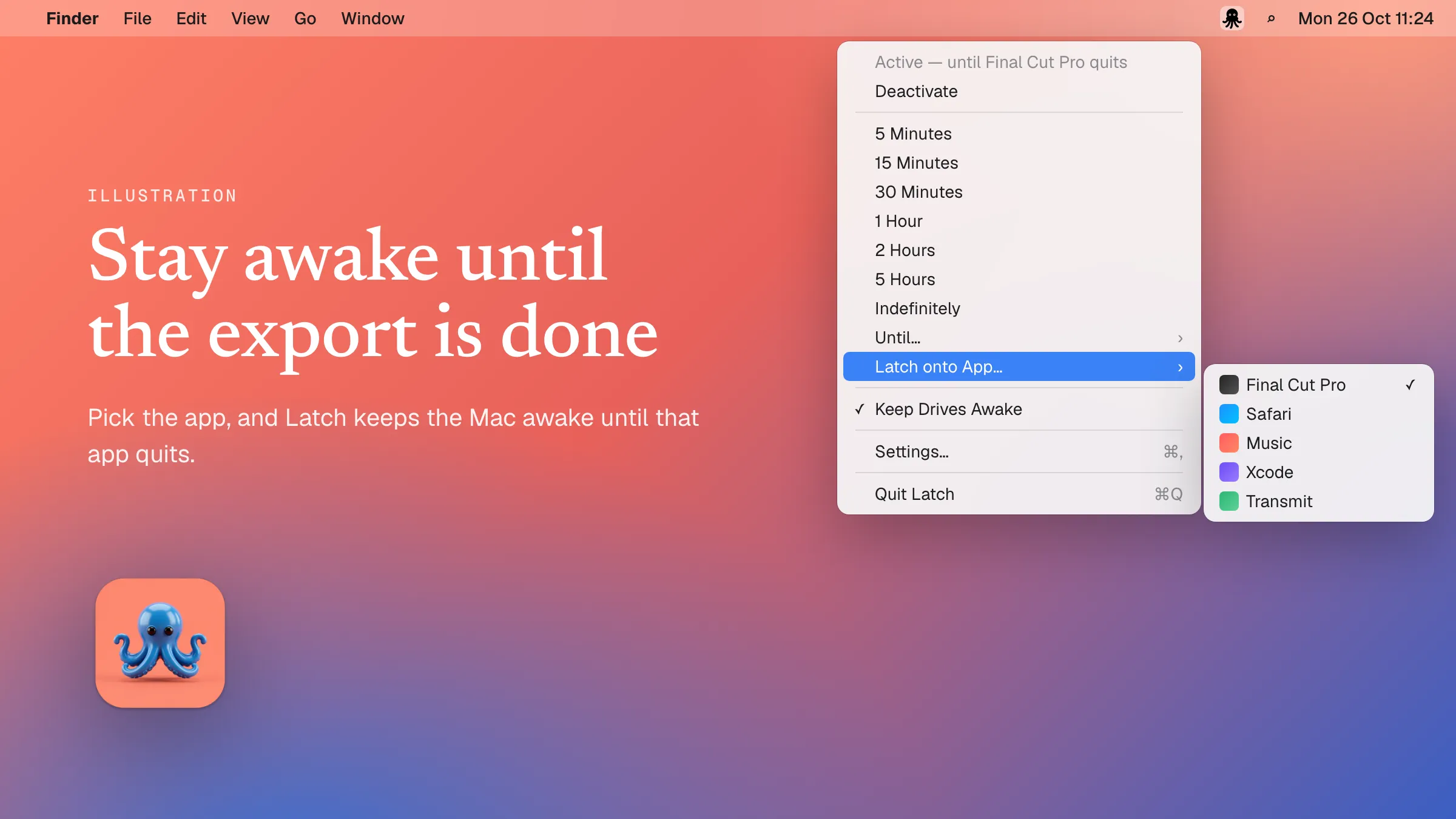
| Latch onto an app | Stay awake until an app quits |
| Keep drives awake | Stop external drives from spinning down |
| Automatic on and off | Schedules, external displays, battery, Low Power Mode, Focus |
| Shortcuts and Terminal | The keyboard shortcut, Apple Shortcuts and the latch:// URL scheme |
| Settings | Every setting, tab by tab |