
Latch
Keeps your Mac awake. Small, with two tricks.
A little octopus in your menu bar. Click it and your Mac stays awake through a download, an export or a presentation; click it again and everything goes back to normal. It can also wait for an app to finish, and keep your external drives from falling asleep.
Apple silicon & Intel · signed & notarized
Awake until the job is done
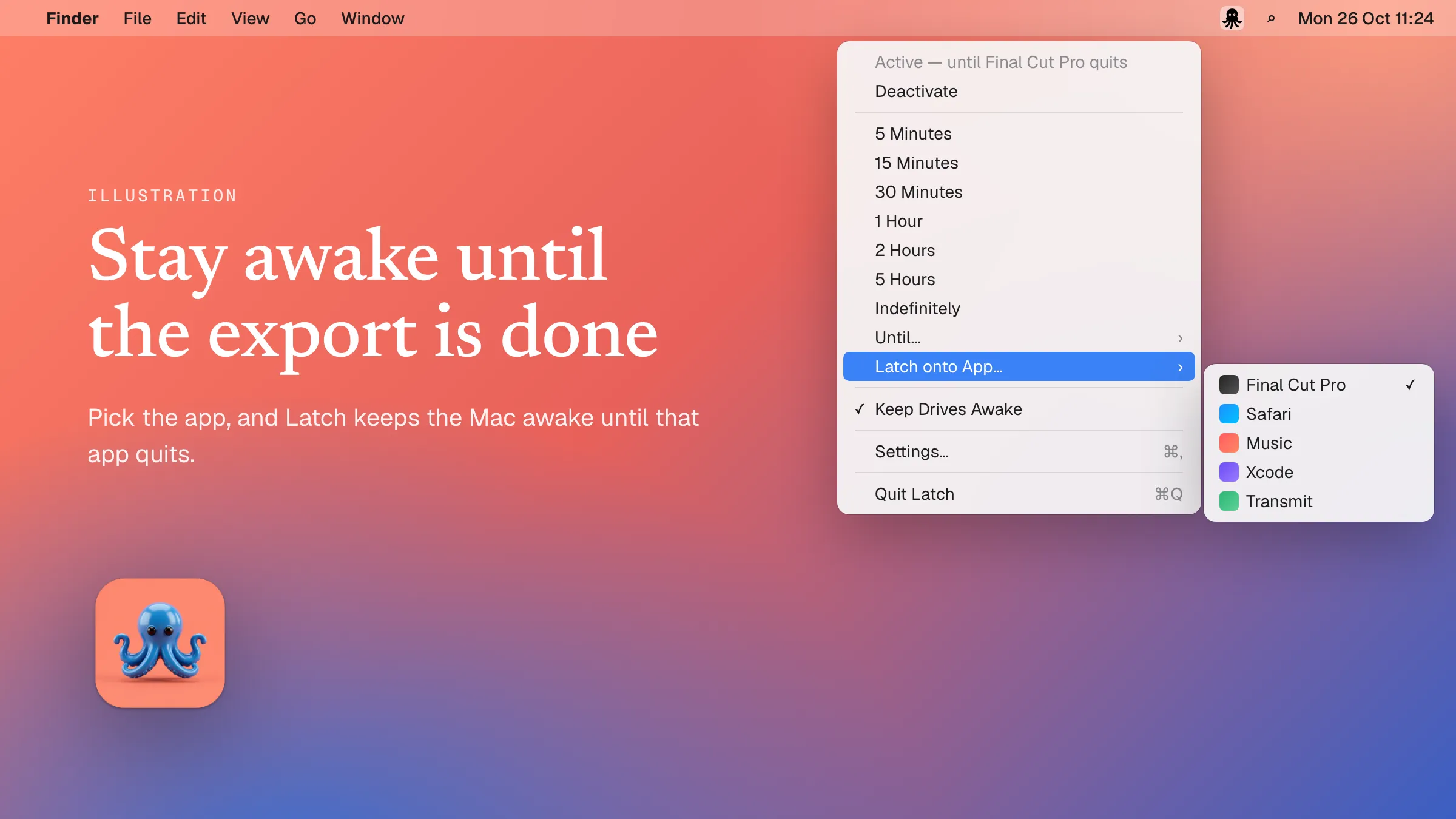
Exports, uploads and renders never take as long as you guess. Instead of setting a timer, pick the app from Latch’s menu. Your Mac stays awake until that app quits, then goes back to sleeping normally — and Latch tells you it’s done.
No more spin-up freezes
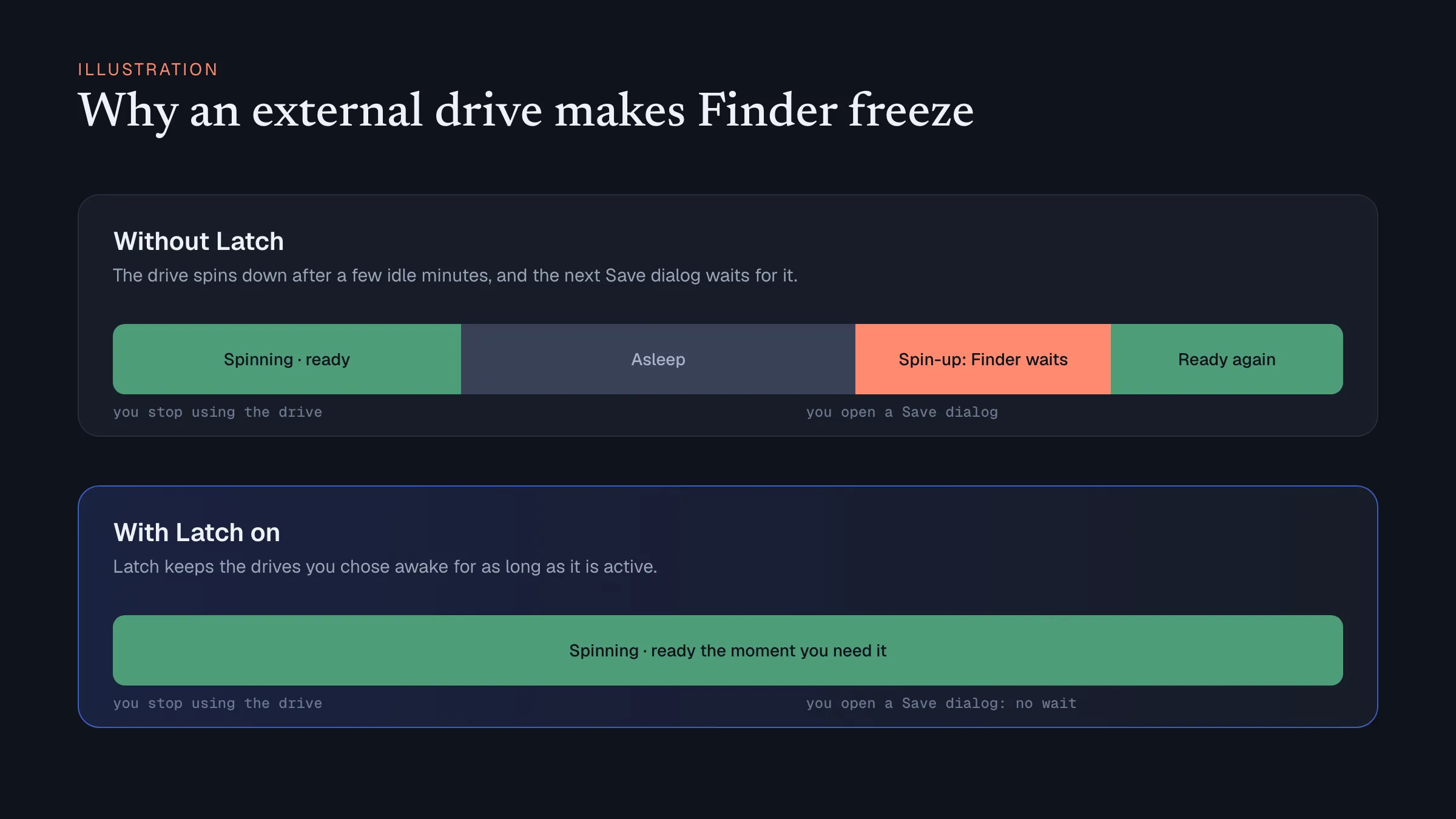
Many external hard drives go to sleep after a few idle minutes. Open Finder or a Save dialog, and everything waits while the drive spins back up. Choose your drives in Latch’s settings, and they stay ready for as long as Latch is on.
Everything else it does
One click
Click the octopus to stay awake, click again to stop. Right-click for everything else.
Pick a time
5 minutes up to 5 hours, until a set time like 6 pm, or until you turn it off. Extend a running timer by 15 minutes.
Countdown
See in the menu bar how long is left.
Screen can sleep
Let the display turn off while the Mac itself stays awake.
Schedules
Stay awake automatically during set hours, such as weekdays 9 to 6.
Turns itself on
When you plug in an external monitor.
Turns itself off
On low battery, in Low Power Mode, or when a Focus mode starts.
Shortcut and Shortcuts
Switch it from anywhere with ⌥⌘K, or from the Apple Shortcuts app.
Three icons
An octopus, a meerkat or a night owl in your menu bar. Starts at login if you want.
Questions
Is Latch really free?
Yes. Latch is free and open source under the MIT licence. There is no account, no trial and no in-app purchase.
Which Macs does it run on?
macOS 13 Ventura or later, on Apple silicon and Intel Macs. The download is signed and notarized by Apple.
How is it different from Amphetamine?
Amphetamine is the best-known keep-awake app and has far more settings. Latch is deliberately small, and adds two things: staying awake until a chosen app quits, and keeping external drives from spinning down.
Can the screen turn off while the Mac stays awake?
Yes. Latch can let the display sleep as usual while the Mac itself stays awake, so downloads, exports and uploads keep running.
Where is the source code?
On GitHub, at github.com/halebop17/Latch. Each release there includes the signed disk image.
