
Batch
Process many audio files in one go, all at the same block size and root note. For turning a folder of samples into a ready-to-use wavetable library.
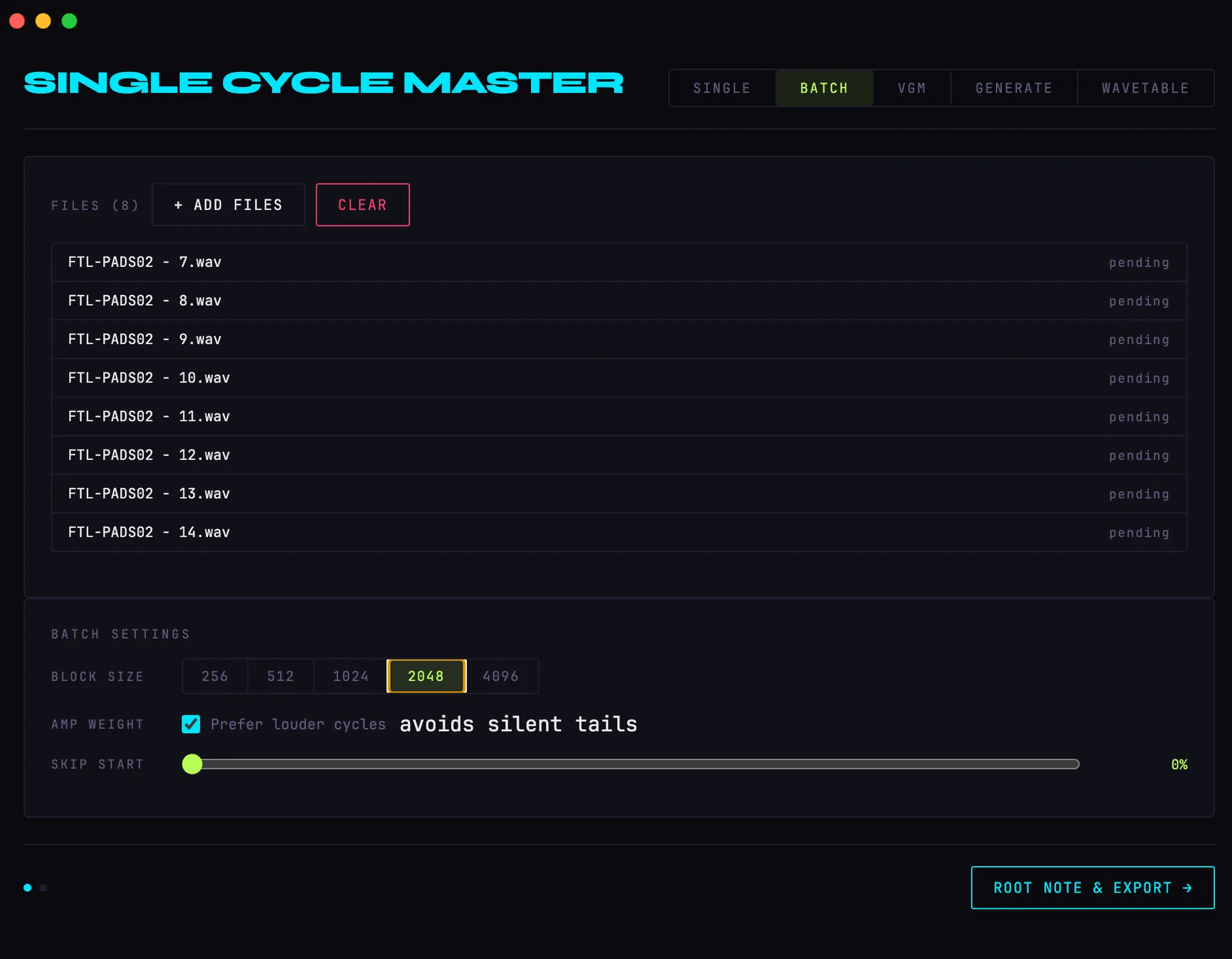
Page 1: configure
Section titled “Page 1: configure”- Add Files… opens a picker for several files: WAV, AIFF, MP3 and OGG. They appear in the queue with their name and status. Clear All empties it.
- Block size: 256, 512, 1024 or 2048 samples, for every file.
- Skip Start (0–80%) skips the beginning of each file before scanning, to leave out an attack you don’t want.
Page 2: root note and export
Section titled “Page 2: root note and export”- Root Note: the same piano and octave picker as the other tabs, used for every file’s tuned export.
- Output Folder: Choose Folder… sets where the WAV files go; the path shows beside the button.
- ▶ Run Batch Raw exports one raw WAV per file; ▶ Run Batch Tuned one tuned, resampled WAV per file.
The progress bar and the summary line show how far the batch is.