
Media Spy Manual
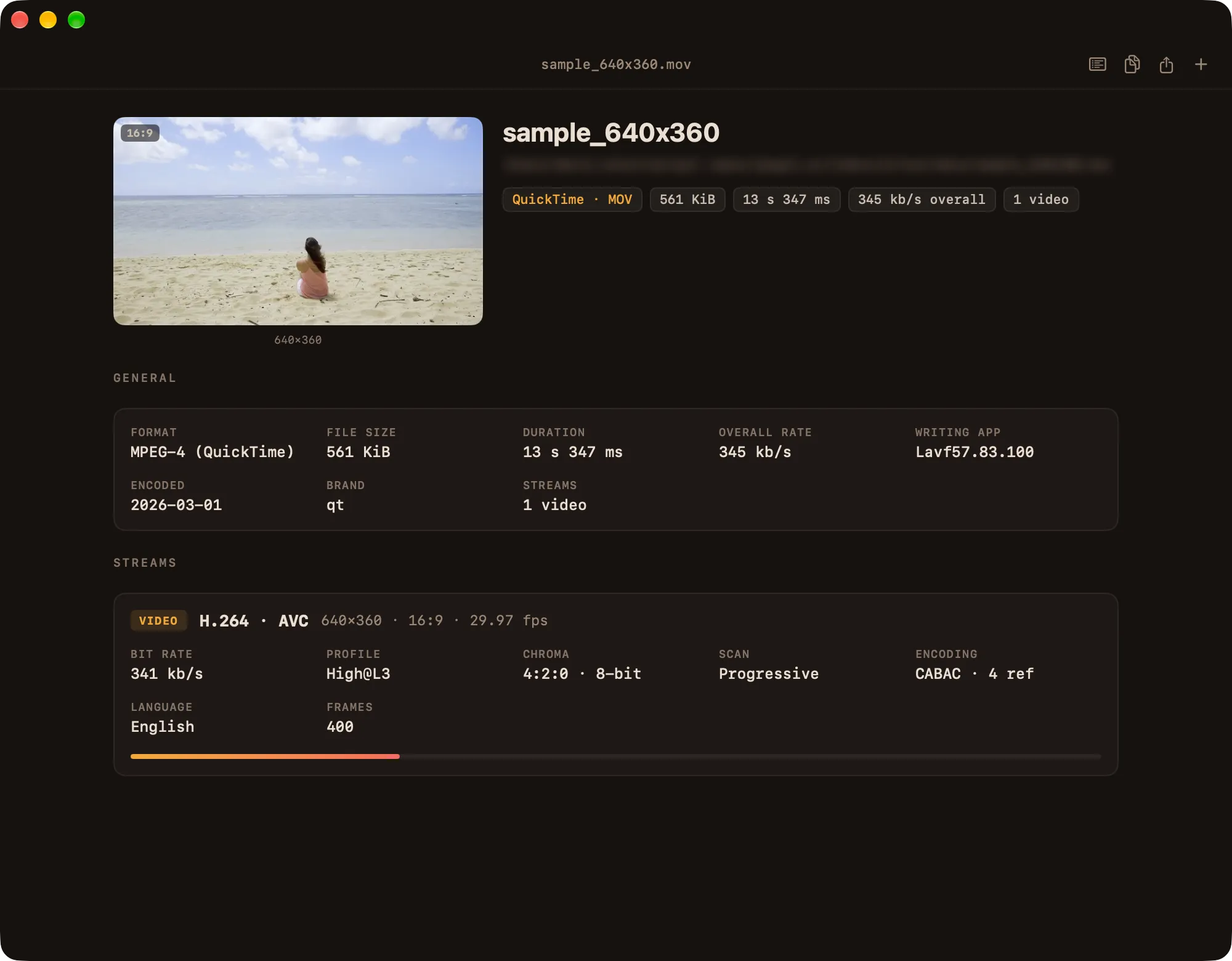
Media Spy shows you what’s inside a video, audio or image file: the codec, resolution, frame rate, bit depth, audio channels, HDR and more, laid out so it’s easy to read. You get a clear summary first, and every technical detail when you want it.
Media Spy reads how the file is built instead of playing it, so even large files open in a moment. It needs macOS 14 Sonoma or later and a Mac with Apple silicon.
Every page
Section titled “Every page”| Page | What it covers |
|---|---|
| Opening files | Dropping files in, Finder, Quick Look, many files at once |
| Reading a file | The summary, the video, audio, subtitle and image cards, every field |
| Copy and export | Copying the report, exporting as Text, HTML, JSON or XML |
| Media Spy Pro | Compare, delivery specs, loudness, bitrate graph, folder to CSV, the licence |
| Formats and shortcuts | The formats Media Spy reads, and every key |