
Reading a file
The summary
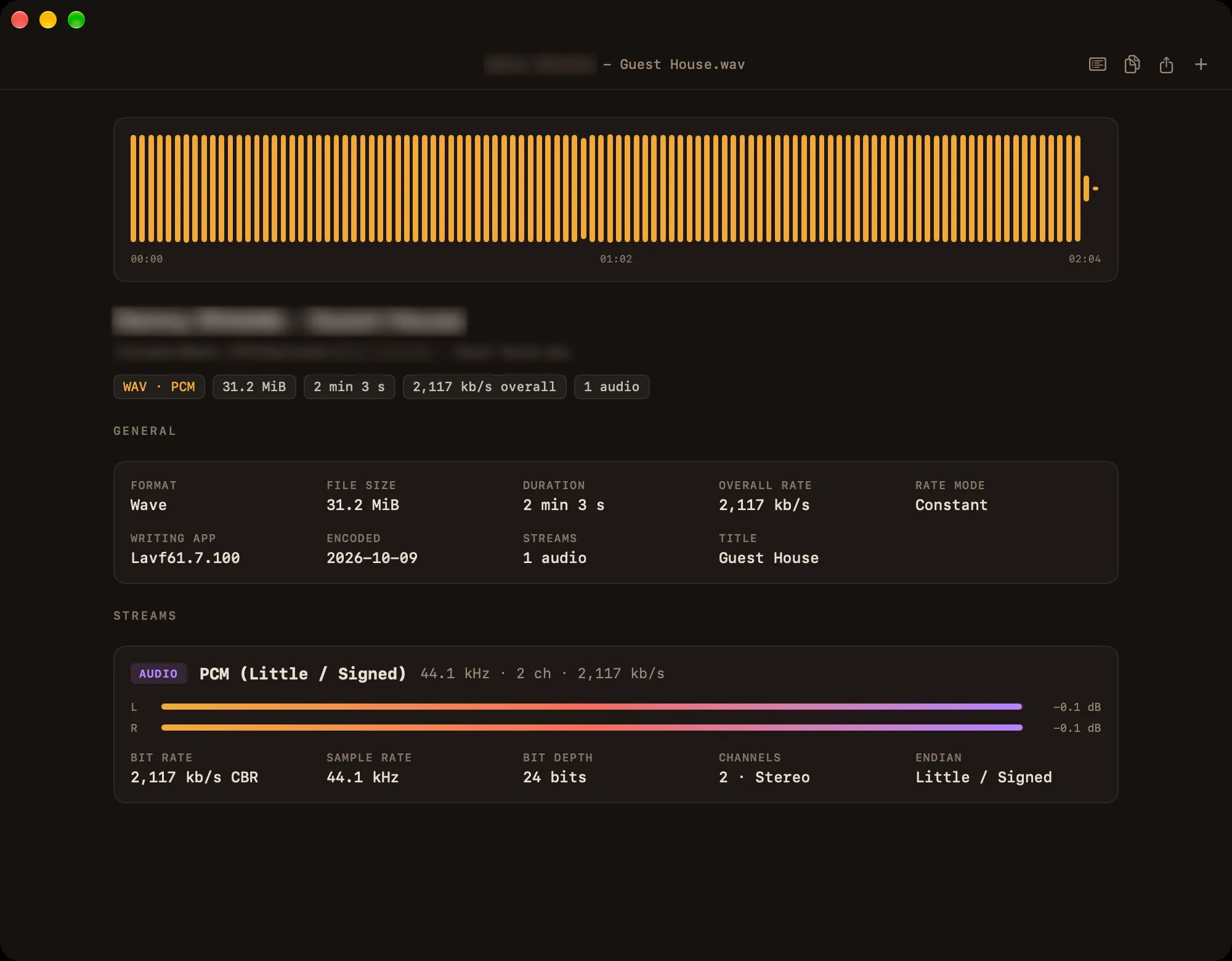
Section titled “The summary”Format, file size, duration and bitrate sit right at the top. Below them is a card for each video, audio and subtitle track in the file.
Codec, resolution, aspect ratio, frame rate, profile, colour format and bit depth, and HDR formats such as HDR10 and Dolby Vision. A preview frame shows you which file you’re looking at, for landscape and portrait videos alike.
Codec (Dolby Atmos included), channels, sample rate and bit depth. You also get a waveform of the whole track and peak level meters for each channel.
Subtitles
Section titled “Subtitles”Every subtitle track, with its language and format, marked Default or Forced where that applies.
Images
Section titled “Images”Resolution, bit depth and colour space for JPEG, PNG, HEIC, JPEG XL and other image formats.
Every field
Section titled “Every field”⌘L (Show All Fields) switches to the full list of everything the file contains, and the search field narrows it as you type. ⌘L again (Show Summary) goes back to the summary.