
Media Spy
See what is inside a media file.
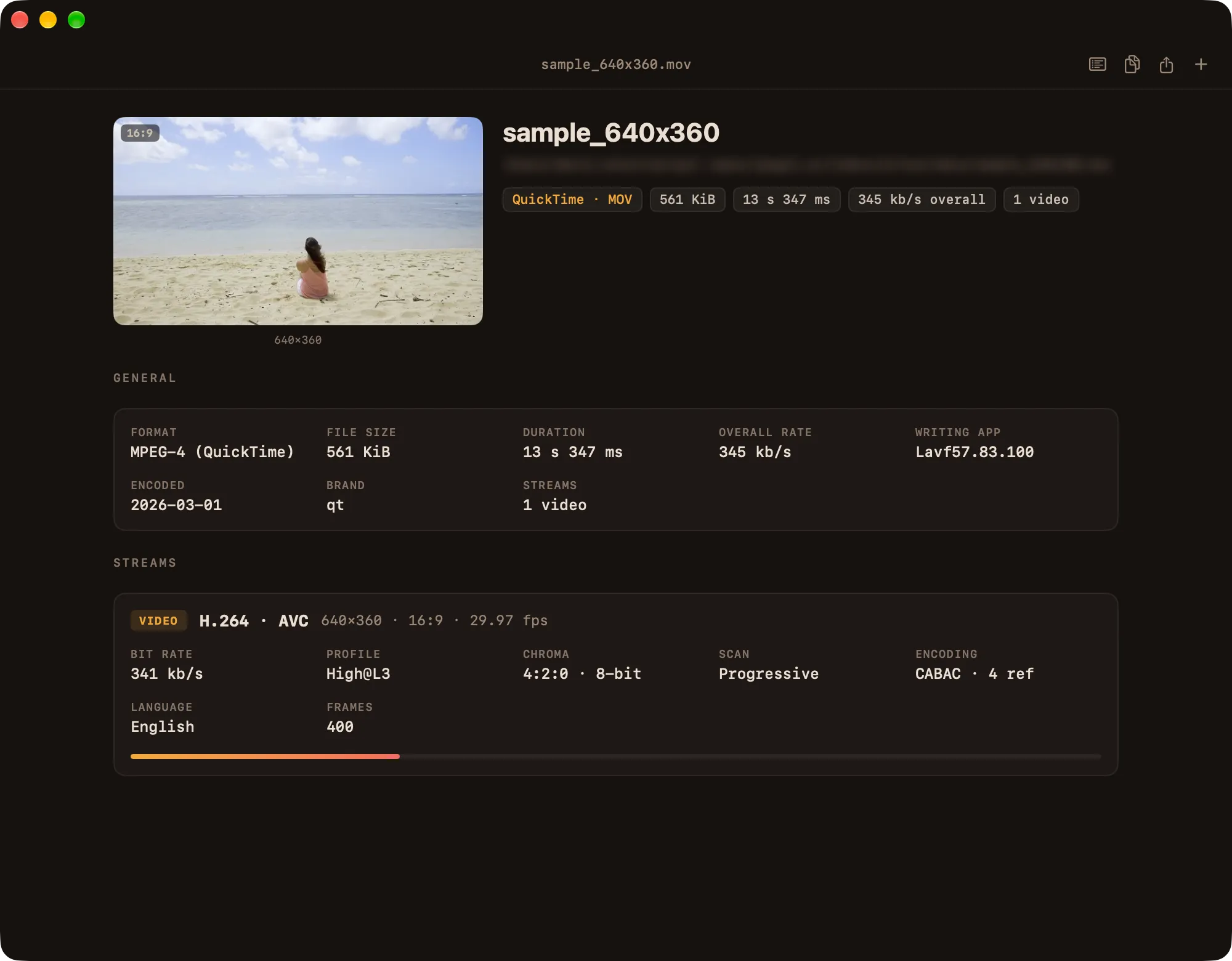
Drop in an audio, video or image file and Media Spy shows its technical details — codecs, bit depth, dimensions, HDR and more. It reads the file and never plays it.
Apple silicon · signed & notarized
Waveform and levels
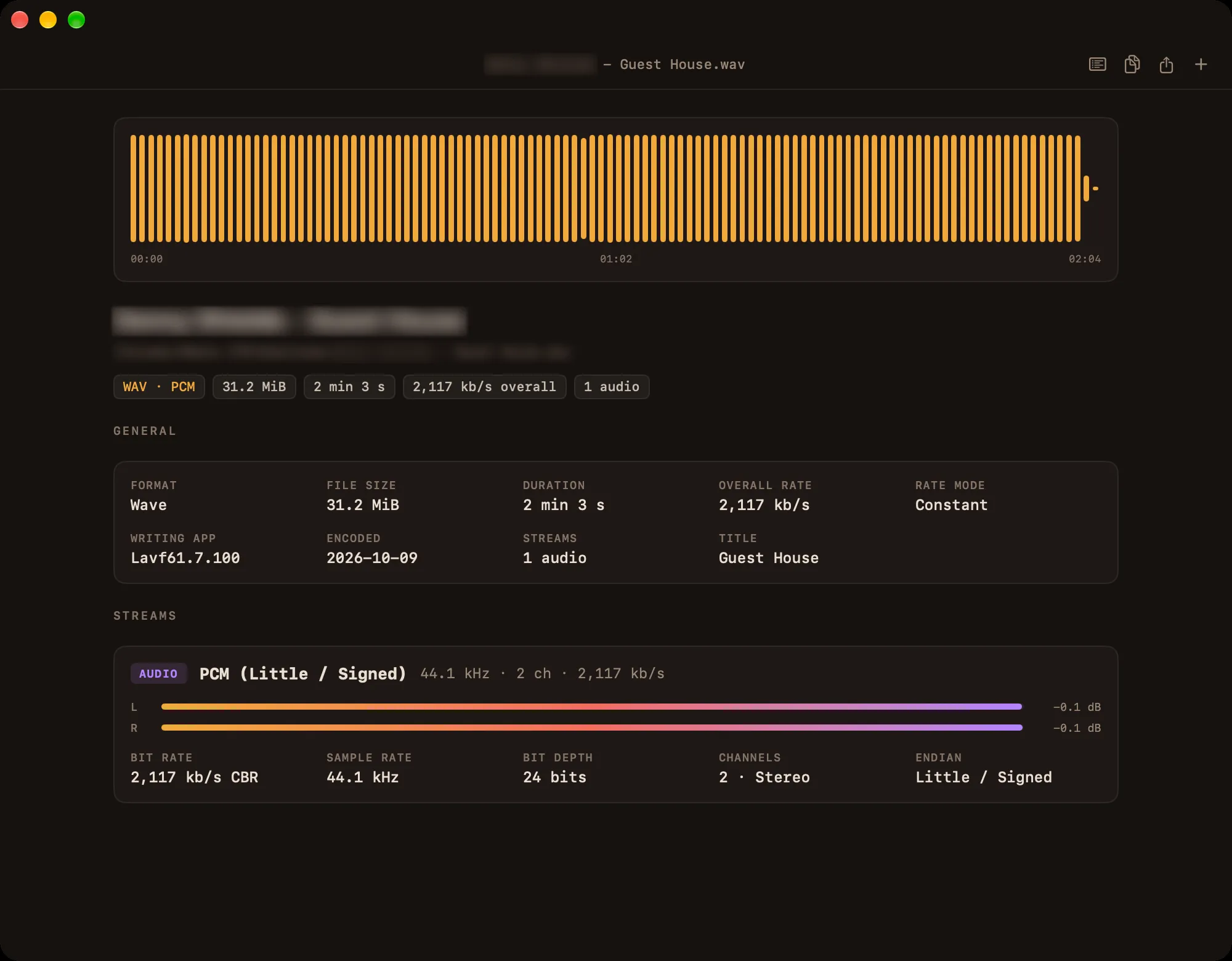
Audio files get the codec, channel layout, sample rate and bit depth, plus a waveform of the whole track and peak meters for each channel.
What you get
Summary first
Format, file size, duration and bitrate, then a card for each video, audio and subtitle track.
Video
Codec, resolution, aspect ratio, frame rate, profile, colour format, bit depth and HDR (HDR10, Dolby Vision), with a preview frame.
Audio
Codec including Dolby Atmos, channels, sample rate and bit depth, with a full-track waveform and per-channel peak meters.
Subtitles
Language and format of each track, marked Default or Forced.
Images
Resolution, bit depth and colour space for JPEG, PNG, HEIC, JPEG XL and more.
Every field
The full list of fields in the file, searchable with ⌘L.
Finder integration
Services menu, Open With, and Quick Look with Space — also for formats like MKV.
Batch work
Open several files and switch between them in the sidebar.
Export
Copy the report with ⇧⌘C, or export it as Text, HTML, JSON or XML.
Formats: MKV, MP4, MOV, AVI, MPEG-TS, WebM, MP3, AAC/M4A, FLAC, WAV, AIFF, JPEG, PNG, HEIC, JPEG XL, GIF and more.
