



Zahl
The calculator that thinks in plain text.
Type expressions line by line; results appear in the right column. Math, currencies, units, dates, time zones and your own variables — and every sheet saves itself.
What it understands
No modes, no panels, no buttons. Each line is a small expression — Zahl reads it and answers next to it.
Plain language
Words and operators both work. Write the way you think.
20% off 1501208 times 972twice 50100Variables
Name a value, reuse it anywhere. prev grabs the line above.
price = 120120tax = price * 0.224price + tax144Live currencies
Hourly ECB rates. Works offline with the last cache.
100 usd to eur92.40 EUR50 gbp in jpy9,455 JPY200 cad to thb5,310 THBUnits, all of them
Length, mass, volume, area, energy, data, temperature, angle.
5 km to miles3.107 mi70 kg to lbs154.32 lb1.5 gb to mb1500 MBDates & time zones
Add days, count business days, hop between cities.
today + 30 daysMay 31 2026next MondayMay 4 20269 am PST in Tokyo2:00 amSums & aggregates
Drop sum, average or mean on a line. Blank lines reset.
10 * 5508 + 614sum64Hex, binary, octal
Mix bases freely; convert with in hex or in binary.
0xFF + 125610 in binary0b10100o17 in decimal15Durations
Hours, minutes, days and weeks, converted the way you’d say it.
3 h in min180 min90 min in hours1.5 hr2 weeks in days14 daysNotes between the numbers
Start a line with // or # for a comment; plain words make a heading. Neither shows a result.
# Groceriesmilk = 1.291.29bread = 2.492.49Percentages & functions
Percent of, off and on, plus sqrt, round, min, max, log and the rest.
15% of 8012sqrt(144)12min(4, 9)4Totals of totals
sum+ adds up the sums above it; sum++ totals every sum on the sheet.
sum64sum20sum+84Sheets save themselves
One sheet per budget, trip or project. Nothing to save, nothing to manage.
⌘Tnew sheet⌘Kswitch sheet⇧⌘Rcopy results
Out of your way
A toolbar that steps aside while you type, one key to reach any sheet, and ten themes to make the window yours.
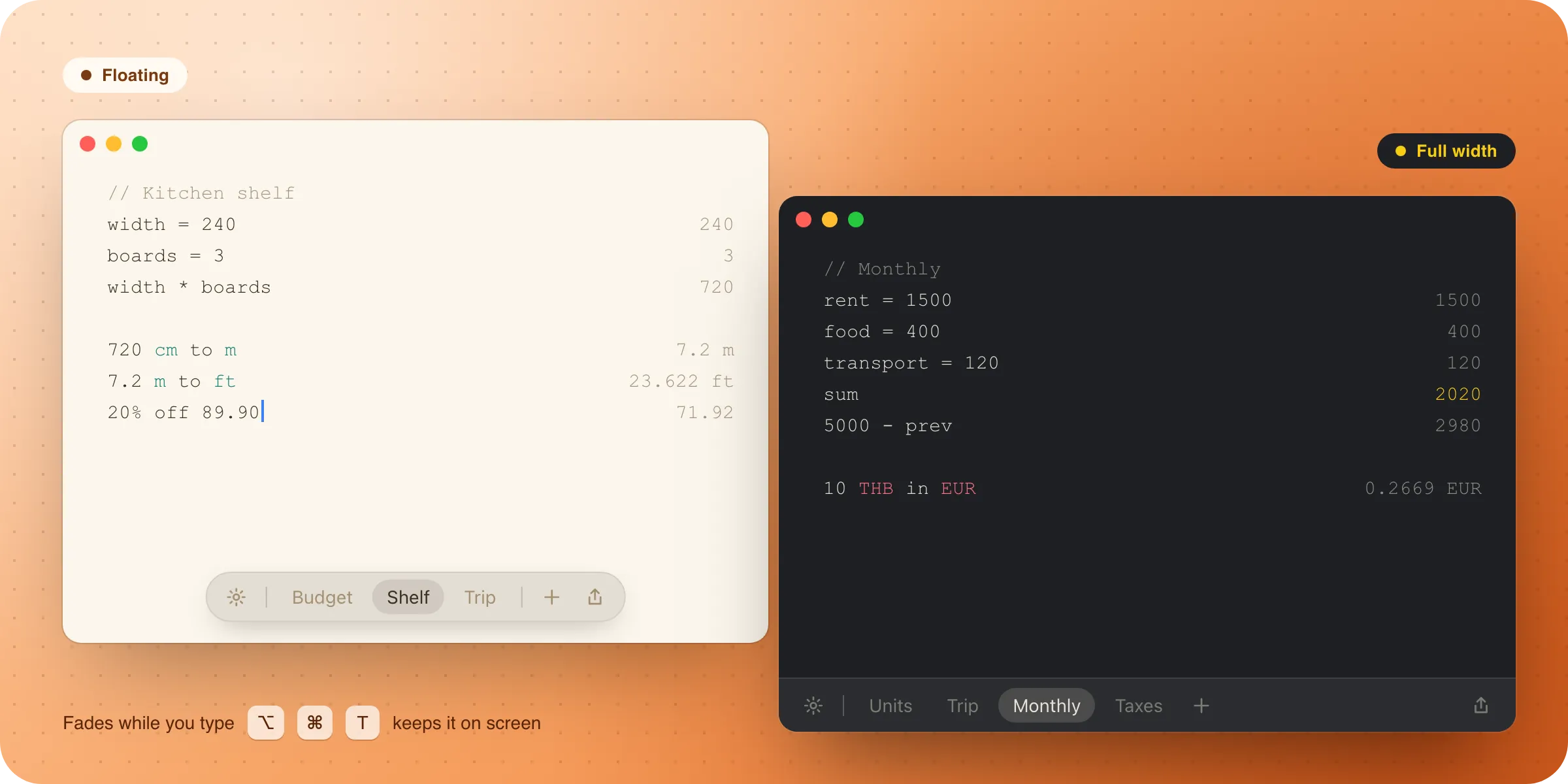
It fades while you type
The toolbar disappears the moment you start typing and comes back when you move the mouse. Keep it as a floating capsule or a full-width bar, or keep it on screen with ⌥⌘T.
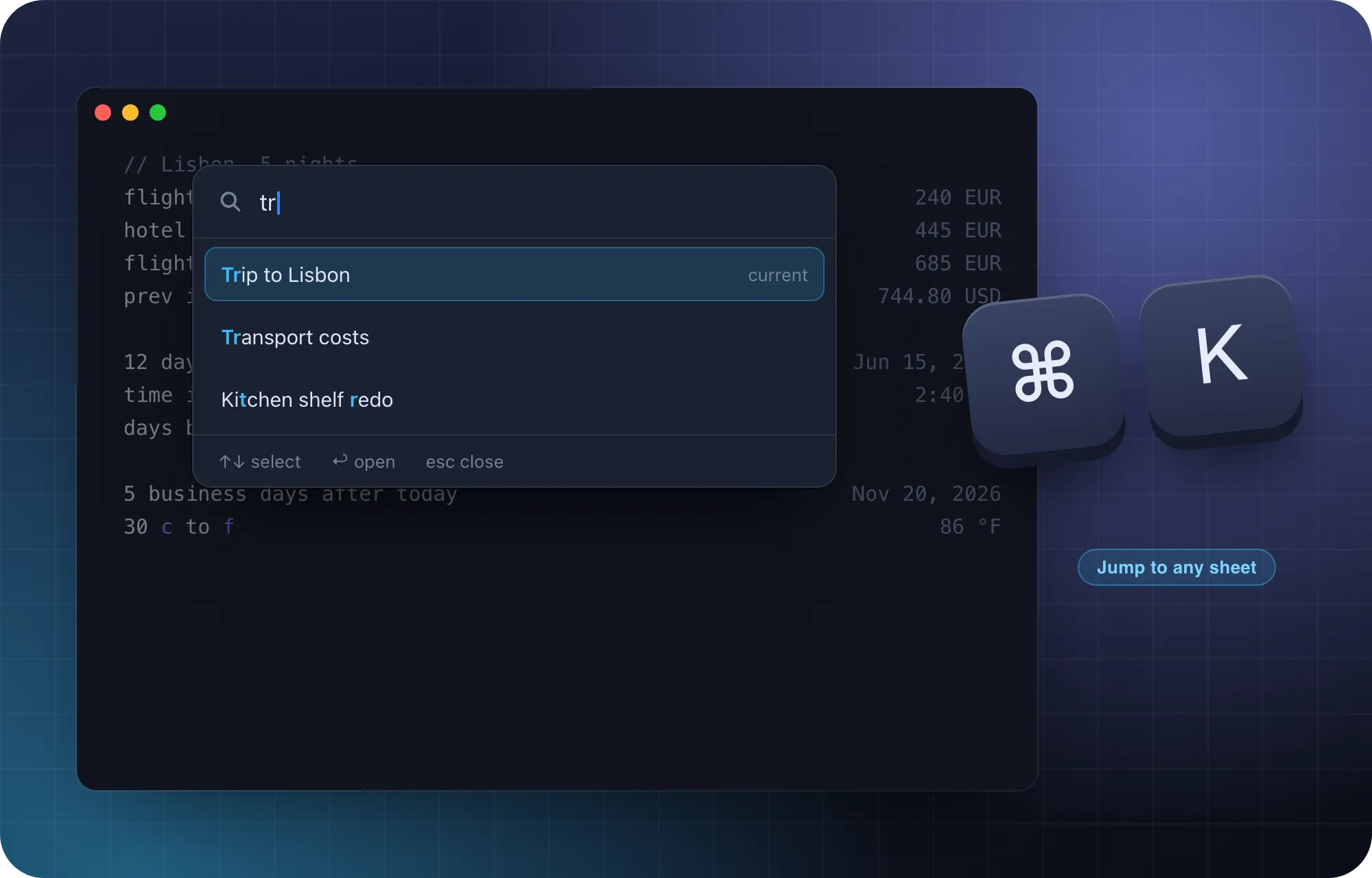
⌘K to any sheet
Keep a sheet for each budget, trip or project. Press ⌘K, type a few letters of its name and press Return. Tabs that don’t fit go into a menu, and the sheet you’re on always stays in view.
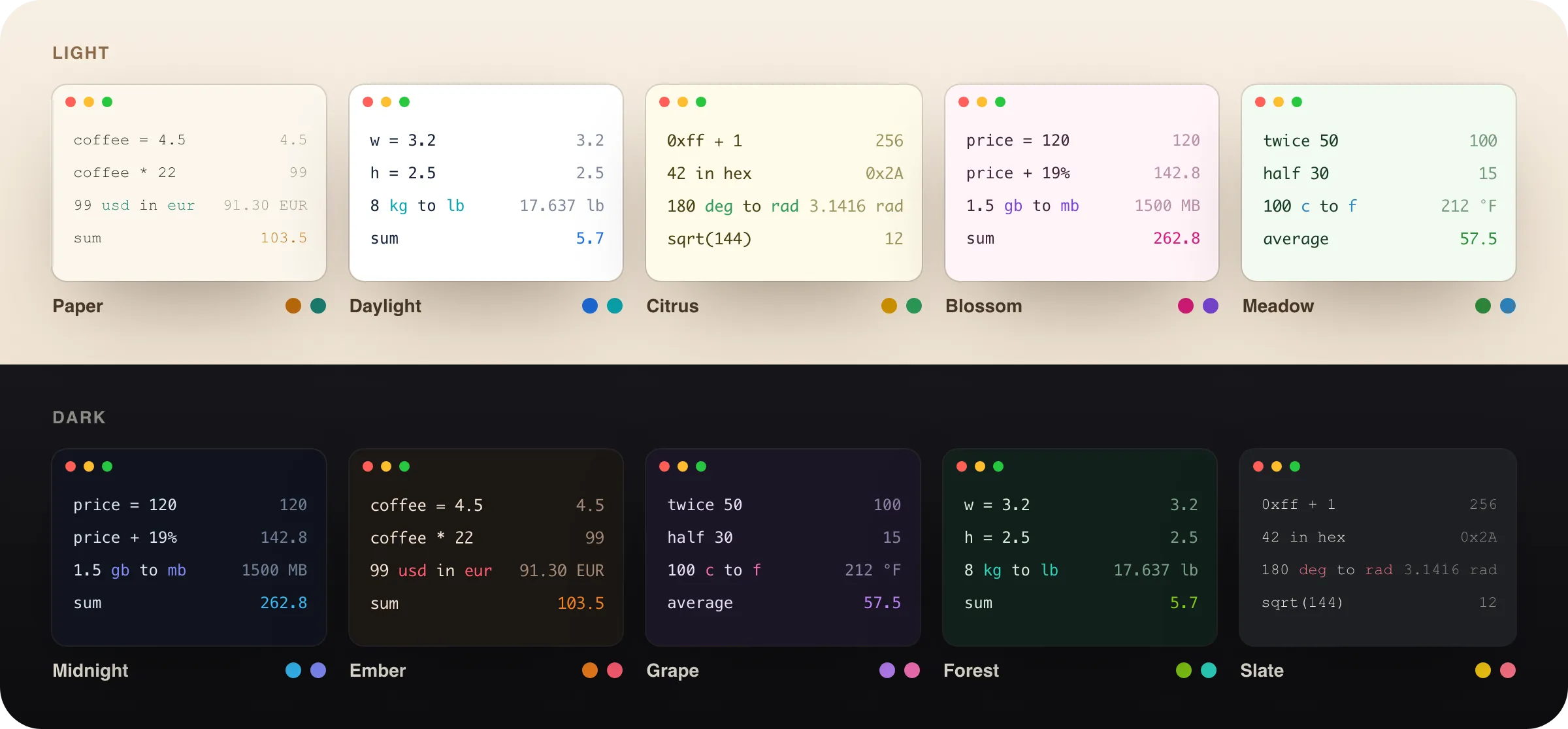
Ten themes, or your own
Five light and five dark, each with its own colours for results, units and totals. Or set your own font and colours, and export the theme to share it.
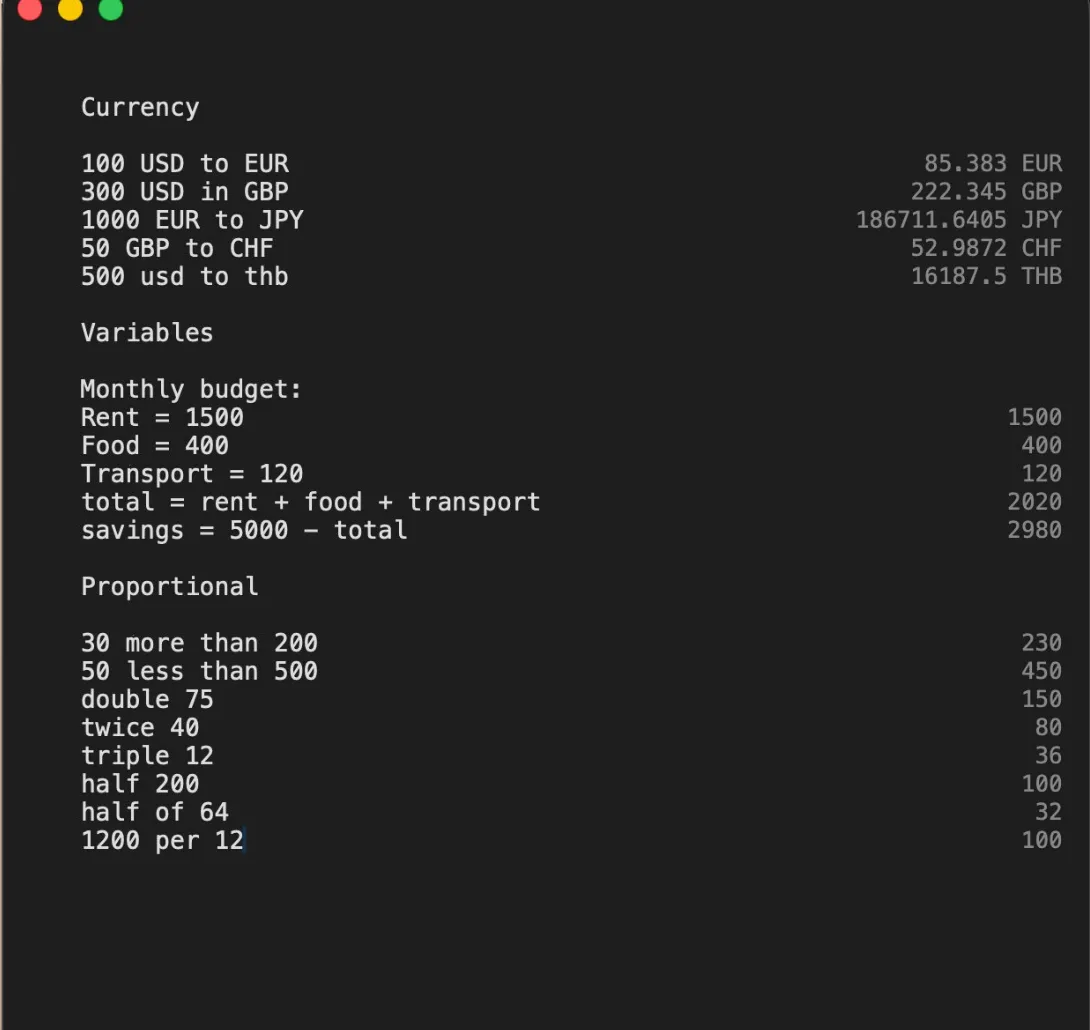
One keystroke away.
Open Zahl from any app with ⇧⌘Space, keep it in the menu bar, pin it above other windows or start it at login. Zahl checks for updates once a day and offers new versions as they come out.
- Hotkey
- ⇧⌘Space
- Precision
- 0–8 or auto
- Updates
- Built in
Keyboard
- New sheet⌘T
- Switch sheet⌘K
- Clear current sheet⇧⌘K
- Copy all results⇧⌘R
- Copy sheet + results⇧⌘E
- Keep the toolbar on screen⌥⌘T
- Open Zahl from anywhere⇧⌘Space
- Open the manual⌘?
Questions
How many Macs can I install Zahl on?
One licence covers two of your own Macs. To move it to a third, open Settings → License on the old Mac and click Deregister.
Is there a subscription?
No. One payment, yours to keep, with every future version included.
Can I try it first?
Yes. Zahl runs for 7 days with everything working before it asks for a licence key.
How do updates work?
Zahl checks for a new version about once a day and offers to install it. To check right away, choose Zahl ▸ Check for Updates…
Where does my data go?
Nowhere. Sheets are stored on your Mac. Currency rates come from the European Central Bank’s public feed — no account, no analytics, no telemetry.
What if exchange rates can’t be refreshed?
Zahl falls back to the last cached rates and labels the result, e.g. 90 EUR (cached 2026-04-24).
Which macOS versions are supported?
macOS 14 Sonoma or later, on Apple silicon and Intel. One signed app — drag it into Applications.
Does it work without an internet connection?
Everything except live currency refresh works offline.
Can I import or export sheets?
⇧⌘R copies all results; ⇧⌘E copies the whole sheet, input and results together.
I have a question that isn’t here.
Write through the contact page — every message gets read.
- Free for 7 days, then $4.99 once
- Works on two of your own Macs
- Every future version included, free
- No subscription, no account, no telemetry
- Direct download — no App Store account needed
Articles about Zahl
- Zahl · ReleaseZahl 1.5: a quieter toolbar, ⌘K for sheets, and updates built in13 November 2026
- Zahl · ExplainerWhat is a notepad calculator, and why it beats the Calculator app25 October 2026
- Zahl · ComparisonA Soulver and Numi alternative for $4.99: how Zahl compares25 October 2026
- Zahl · How-toPlan a trip budget in two currencies, in one window25 October 2026