
StepSnip Manual
StepSnip captures screenshots, lets you mark them up, and stitches them into one multi-page document you can export as a PDF. It lives in your menu bar, gives you three global capture hotkeys, and keeps every shot in a single editable document until you’re ready to share it.
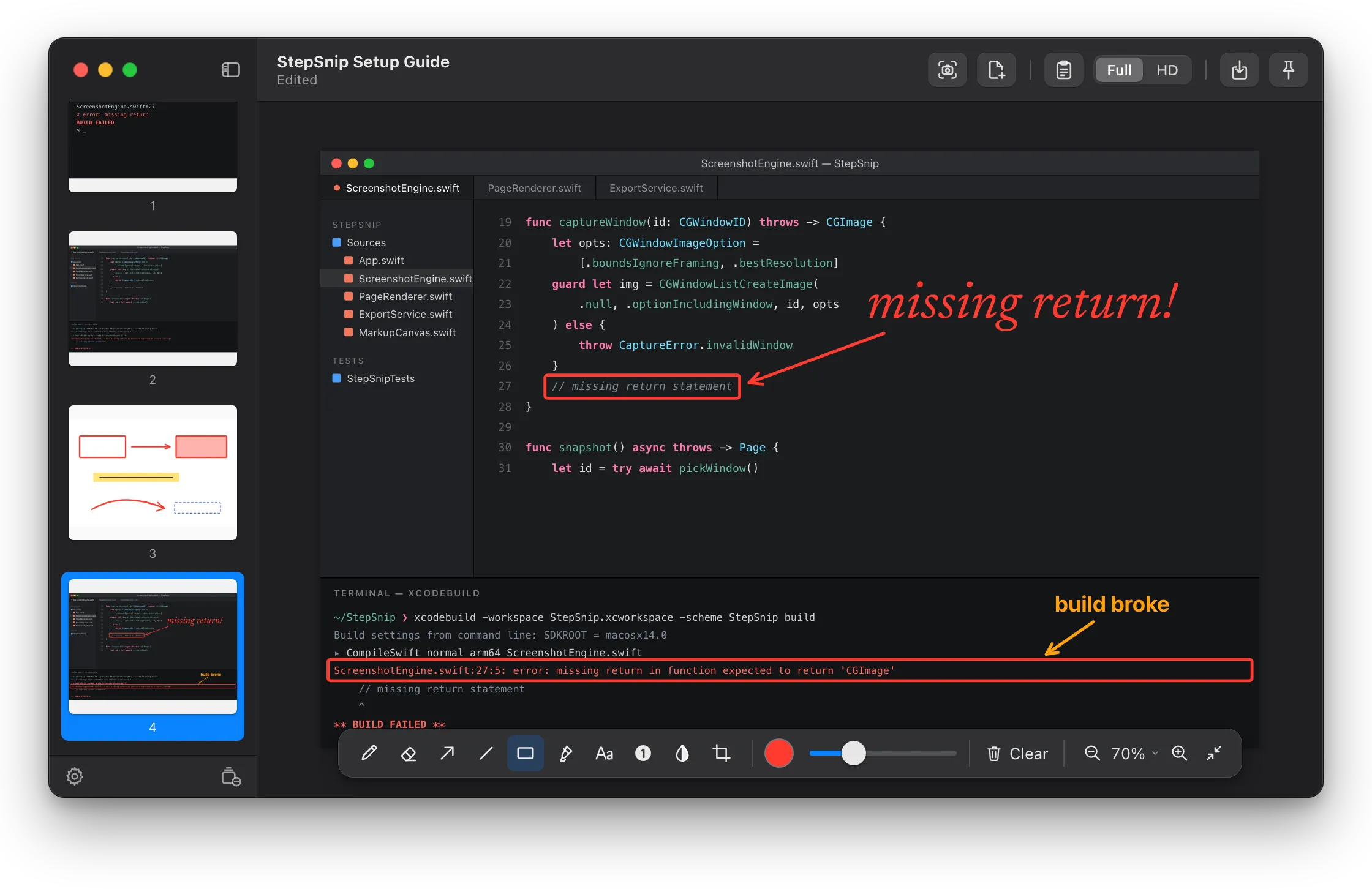
Every page
Section titled “Every page”| Page | What it covers |
|---|---|
| Capturing screenshots | The three capture modes and their hotkeys |
| The editing bar | Docked or floating, left, top or bottom, and how it fits small windows |
| Markup tools | Pen, arrows, shapes, highlight, text, step markers, blur; editing and clearing |
| Cropping and zooming | Cropping a page, zooming from 12.5% to 800% |
| Pages and documents | The sidebar, reordering pages, .stepsnip documents |
| Saving and exporting | The Export menu, the clipboard, PDF, saving documents |
| Menu bar and settings | The menu bar icon and every setting |
| Keyboard shortcuts | Every key |