
Konpo Player Manual
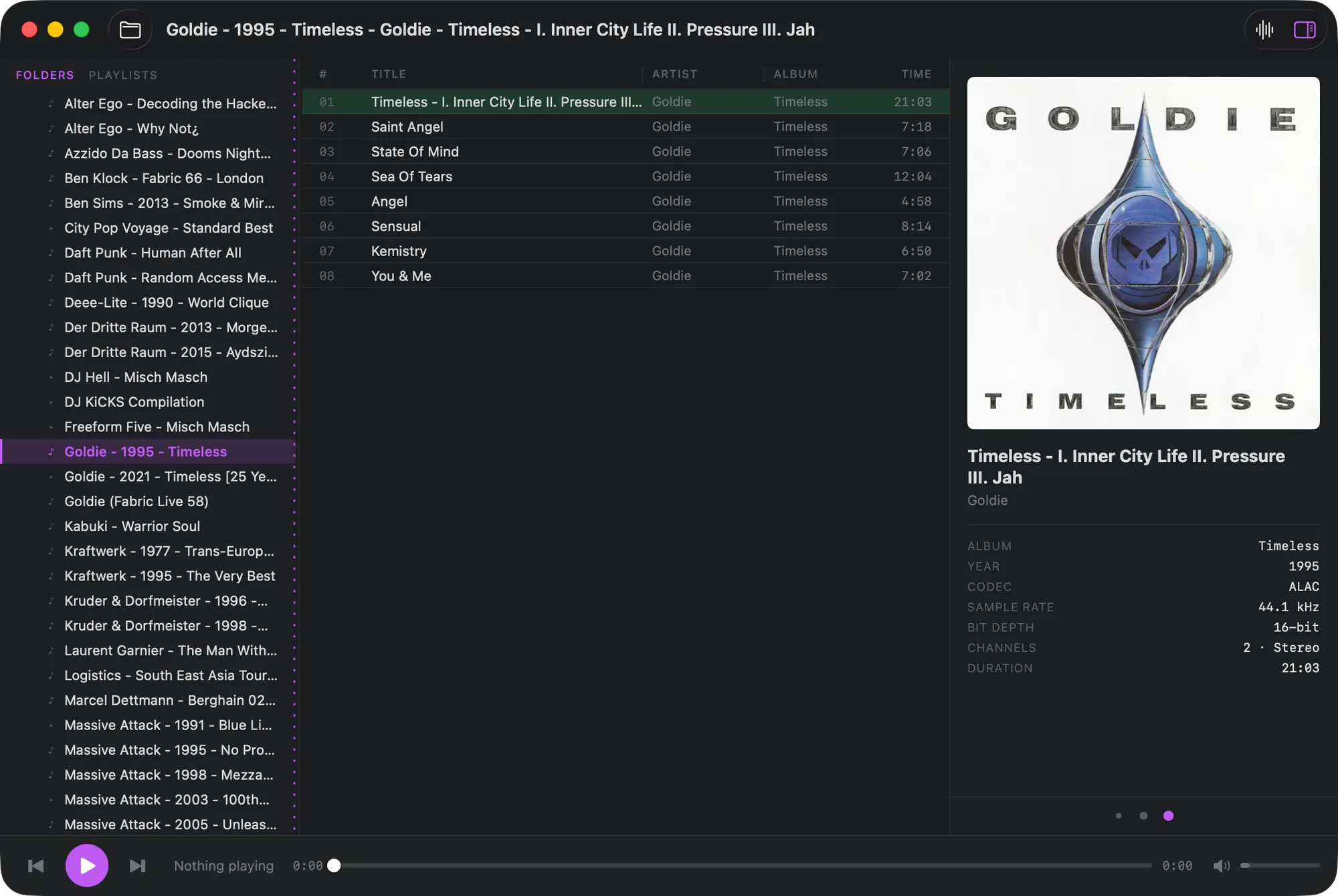
Konpo is a small, fast music player for the Mac, for people who keep their music as files in folders. There’s no library to import into and no database: Konpo shows your folder tree exactly as it is on disk. Click an album, see its tracks, press play.
It’s quiet, dense and built for the keyboard. You can browse, pick a track and play without reaching for the mouse.
Every page
Section titled “Every page”| Page | What it covers |
|---|---|
| Getting started | Installing, choosing your music folder, the formats Konpo plays, CUE sheets |
| Browsing and playing | Folders, Albums and Playlists views, album art, shuffle and repeat, gapless playback |
| Jump to file | Finding any track from the keyboard |
| Playlists and Up Next | Playlists, M3U import and export, the Up Next queue |
| Equalizer and volume | The 10-band equalizer, presets and ReplayGain |
| Mini player and Winamp keys | The mini player, Z X C V B, the spectrum analyzer, time left |
| The visualizer | The MilkDrop-style visualizer and your own presets |
| Making it yours | Settings, update checks, columns, sidebar and art panel size |
| Keyboard shortcuts | Every key |