
The visualizer
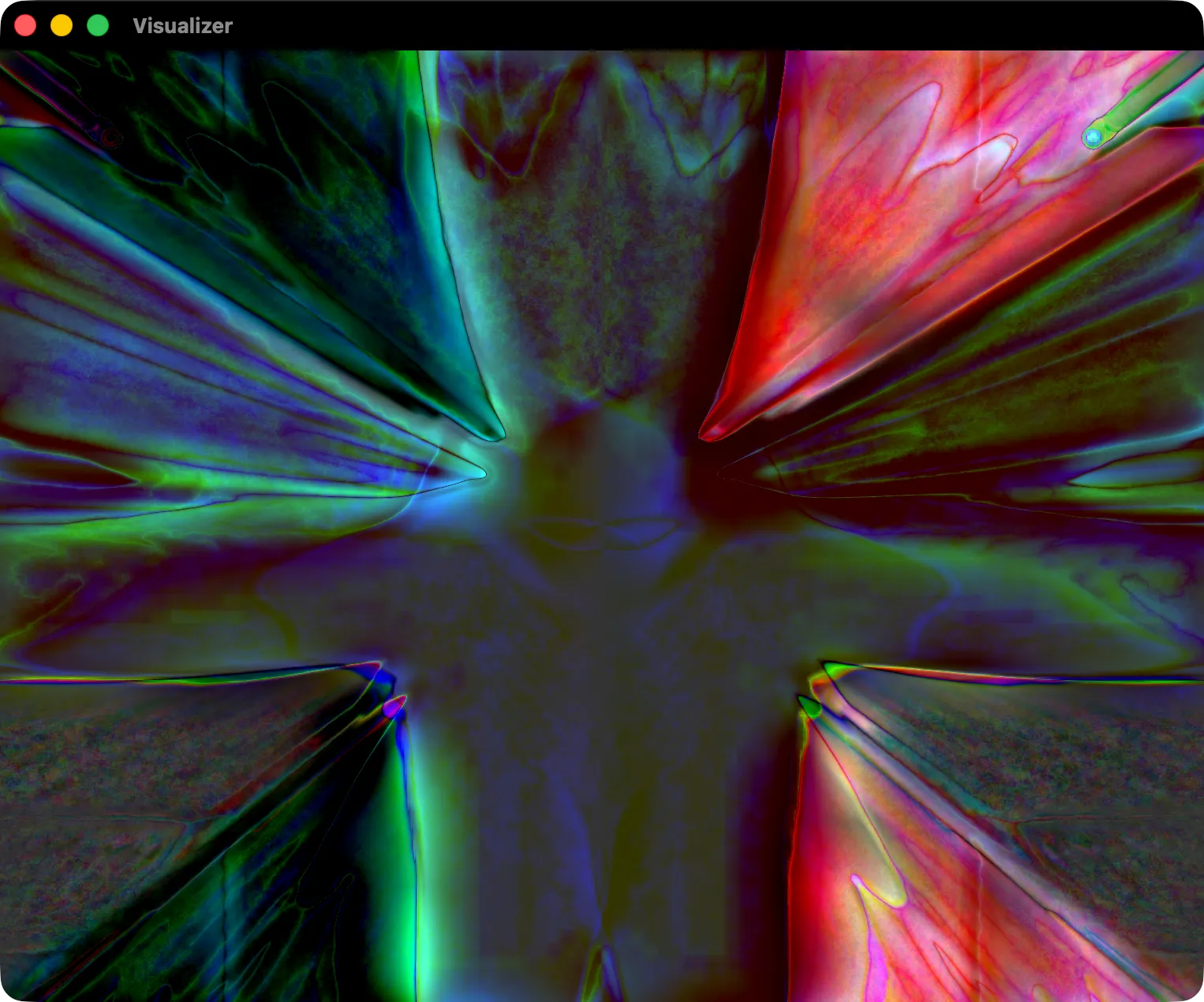
Konpo’s visualizer brings back Winamp’s MilkDrop. It’s powered by Butterchurn, a WebGL version of MilkDrop, and reacts live to whatever is playing.
Open it
Section titled “Open it”Use the waveform button in the top-right of the window, the Window menu, or ⇧⌘V.
It lives in its own window, apart from the player.
Presets
Section titled “Presets”- A big pack of built-in presets comes with Konpo, and they cycle automatically.
- Right-click inside the visualizer and choose Choose Preset Folder… to use your own folder of Butterchurn presets.
- Use Built-in Presets, in the same menu, switches back.
It costs nothing until you open it
Section titled “It costs nothing until you open it”Until you open the visualizer, it uses no memory at all: nothing starts unless you ask for it. Closing its window frees it completely, and Konpo is back to being a lean little player.