
momo Manual
momo is a markdown editor for the Mac, with an app for iPhone and iPad. You write plain markdown, and it renders right away on one clean page: no split view and no preview button. Your notes stay ordinary .md files on disk, which any other app can read, now and later.
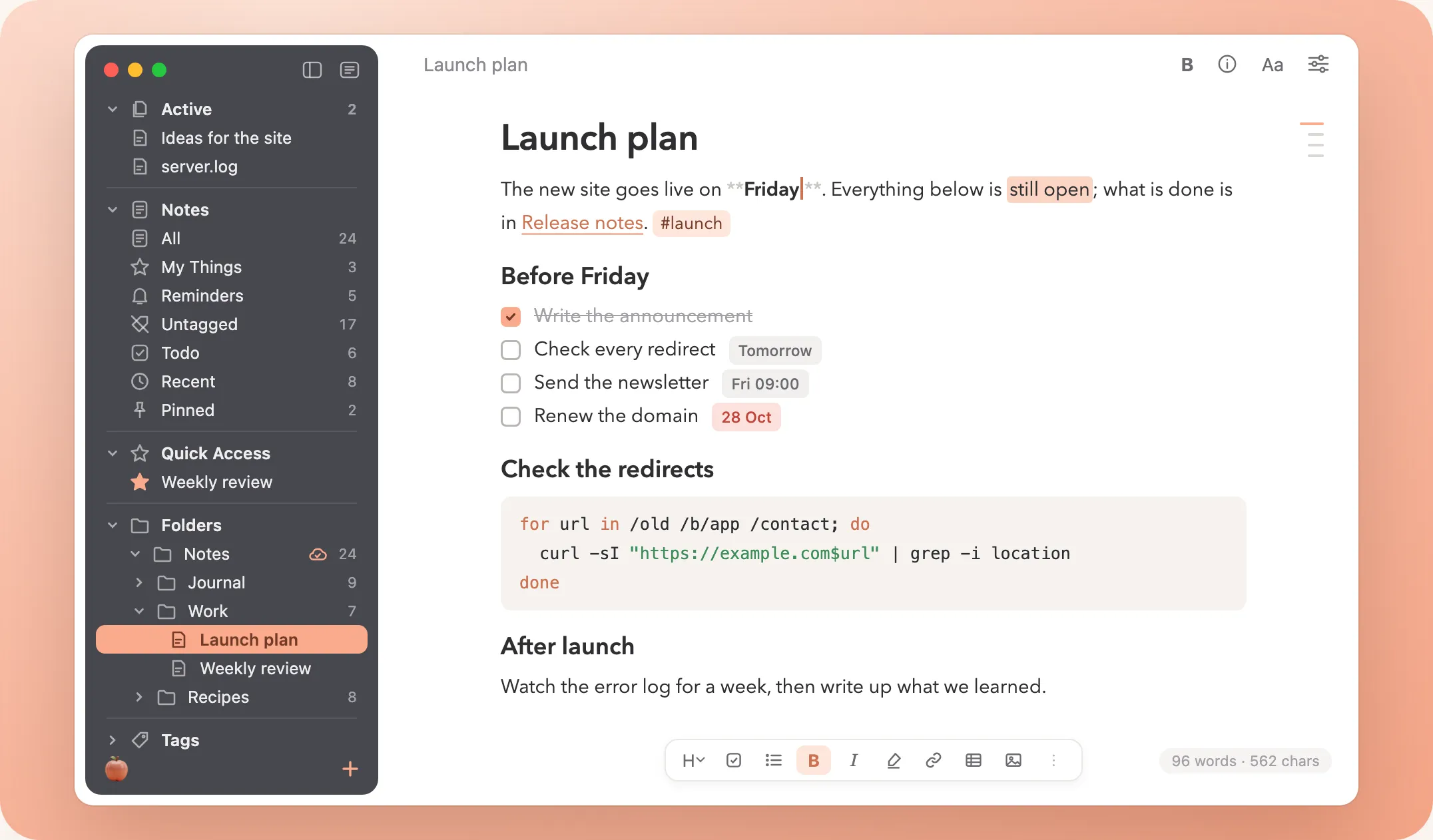
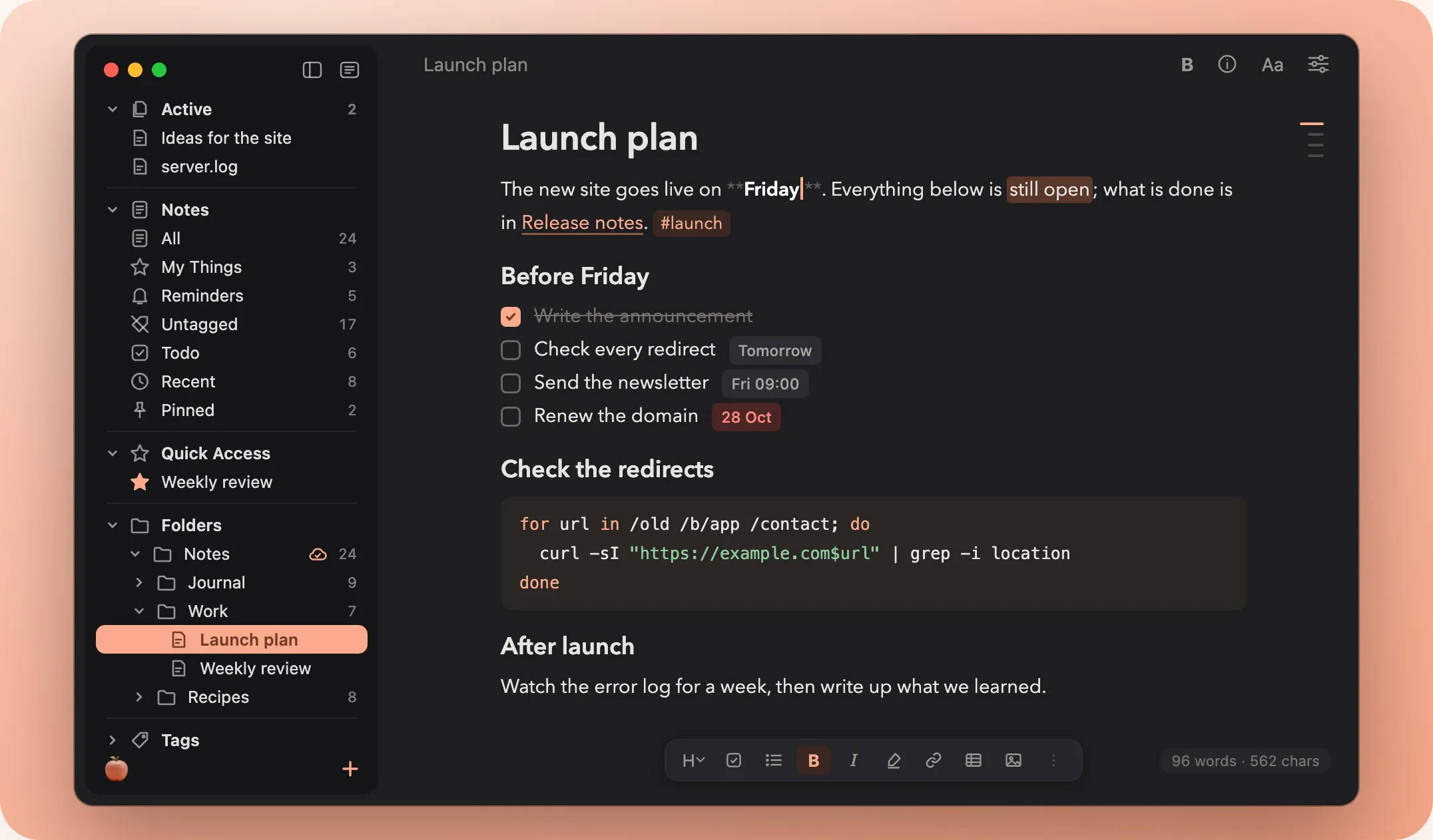
This manual covers everything the app does. For a one-page list of keys, see Keyboard shortcuts.
Start here
Section titled “Start here”- Getting started: open files, add your notes folders and start a scratch note. You never have to save.
- Writing: how markdown hides as you type, the three editor modes, formatting shortcuts and the style bar.
- The library sidebar: Active, Notes, Quick Access, Folders and Tags.
Every page
Section titled “Every page”| Page | What it covers |
|---|---|
| Getting started | Opening files and text files of every kind, notes folders, scratch notes, saving |
| Writing | Live markdown, editor modes, copying, formatting, style bar, footnotes, wiki links, autocomplete |
| What renders | Every piece of markdown momo draws, in one table |
| Images and files | Pasting and resizing images, attaching files, cleaning up unused ones |
| Tasks and reminders | Dates on tasks, date pills, Apple Reminders, the My Things page |
| The library sidebar | Active, Notes and its filters, Quick Access, Folders, Tags, file operations |
| The note list | Note cards, pinning, browsing a folder’s notes |
| Finding things | Search, Quick Open, Search in Folder, Find and Replace |
| Long documents | The info panel, contents, backlinks, Go to Heading |
| Writing modes and width | Typewriter and Focus mode, text width per note |
| Sync with iPhone and iPad | Syncing a folder through your own iCloud |
| Locked notes | Locking a note with a password and Touch ID or Face ID |
| Your text is safe | Saving, local history, reverting, changes made by other apps |
| Export | HTML and PDF |
| Settings | Typography, themes, the momo theme, general settings, the window |
| momo for iPhone and iPad | The mobile app, its keyboard bar, and the free trial |
| Keyboard shortcuts | Every key and click, on one page |