
Locked notes
Lock a note to keep its words private. One password opens all your locked notes, on your Mac and your iPhone, and Touch ID or Face ID can open them without typing it.
Lock a note
Section titled “Lock a note”On the Mac, right-click the note in the note list and choose Lock Note….
The first time, momo asks you to choose a password:
- type it twice, and add a hint if you like;
- leave Open with Touch ID ticked to open locked notes with your finger;
- click Lock Note.
After that, locking a note takes Touch ID, or the password typed again. If you chose the password on your iPhone, the Mac asks for the password your locked notes use.
Only markdown notes in your folders can be locked, so scratch notes can’t.
Open a locked note
Section titled “Open a locked note”A locked note shows a lock screen in place of its words: a peach lock, the note’s name, and Open with Touch ID or a field for the password. A wrong password is said under the field.
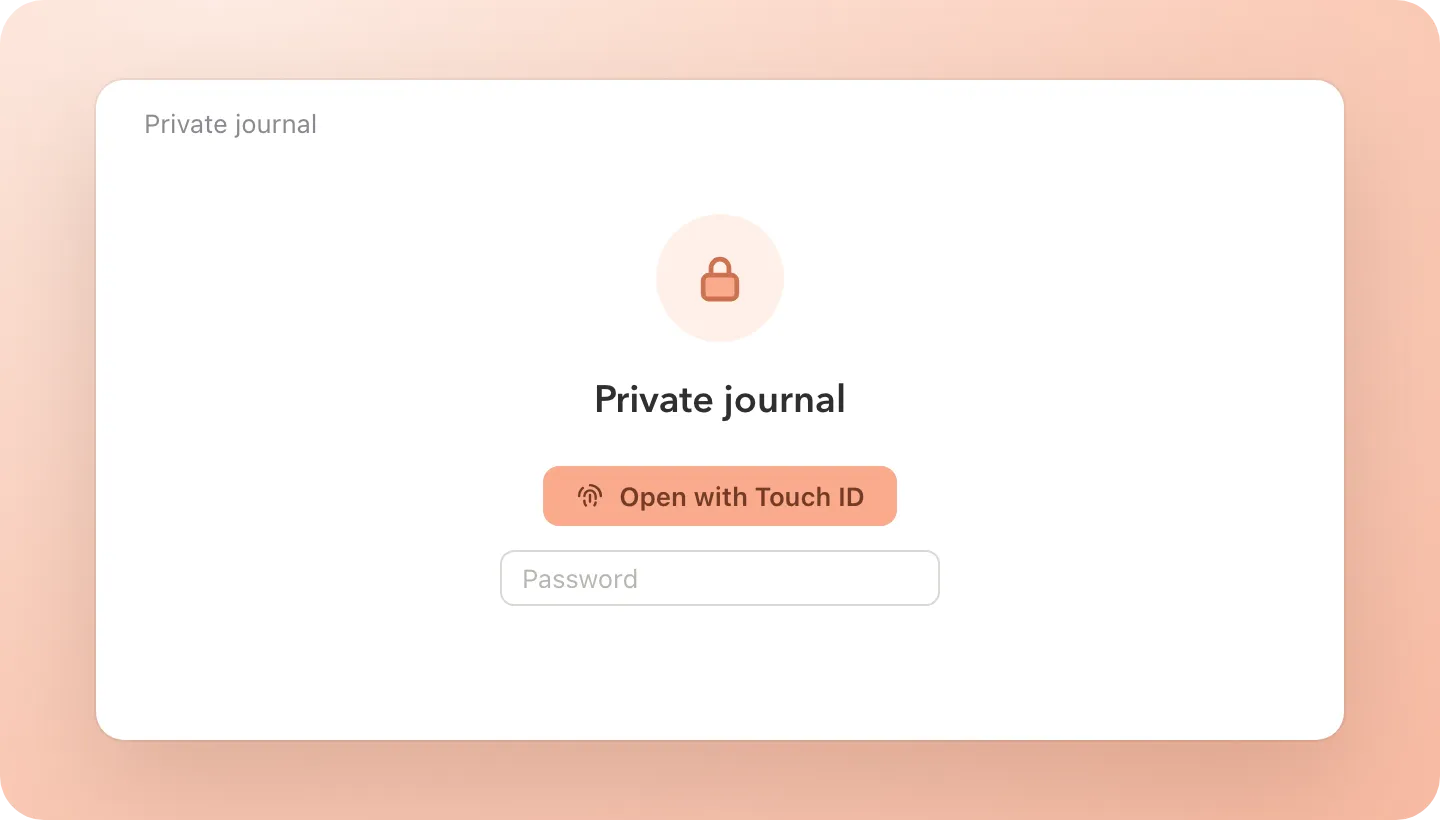
Each time you open the note, it asks again.
Remove the lock
Section titled “Remove the lock”Right-click the note and choose Remove Lock…, then use Touch ID or type the password. The note’s words go back into the file as plain markdown.
Opening a locked note and removing its lock are always free, on every device.
What a lock does
Section titled “What a lock does”- A locked note stays a
.mdfile in its folder, so sync, moves and renames treat it like any other note. - Its words are sealed with AES-GCM, under a key made from your password. In Finder or another app the file reads momo locked note. This note is locked. Open it in momo to read it., followed by the sealed data.
- Lists show the note as Locked. Search, tags and tasks see only its name, so its tasks make no reminders.
- A locked note keeps no local history, which would hold its words unsealed.
- Edits made to a locked note on two devices at once meet as a conflict copy, rather than a muddle.
On iPhone and iPad
Section titled “On iPhone and iPad”Long-press a note in the list and choose Lock or Remove Lock. The first time, a sheet asks you to choose the password, with Face ID (or Touch ID) to open locked notes. A locked note locks again when momo goes to the background.
Locking new notes on iPhone and iPad is part of the unlock after the 14 free days. See momo for iPhone and iPad.