What is a notepad calculator, and why it beats the Calculator app
A notepad calculator lets you type sums as lines of text and keeps every step visible. How it works, what it’s good for, and how to use one on a Mac.
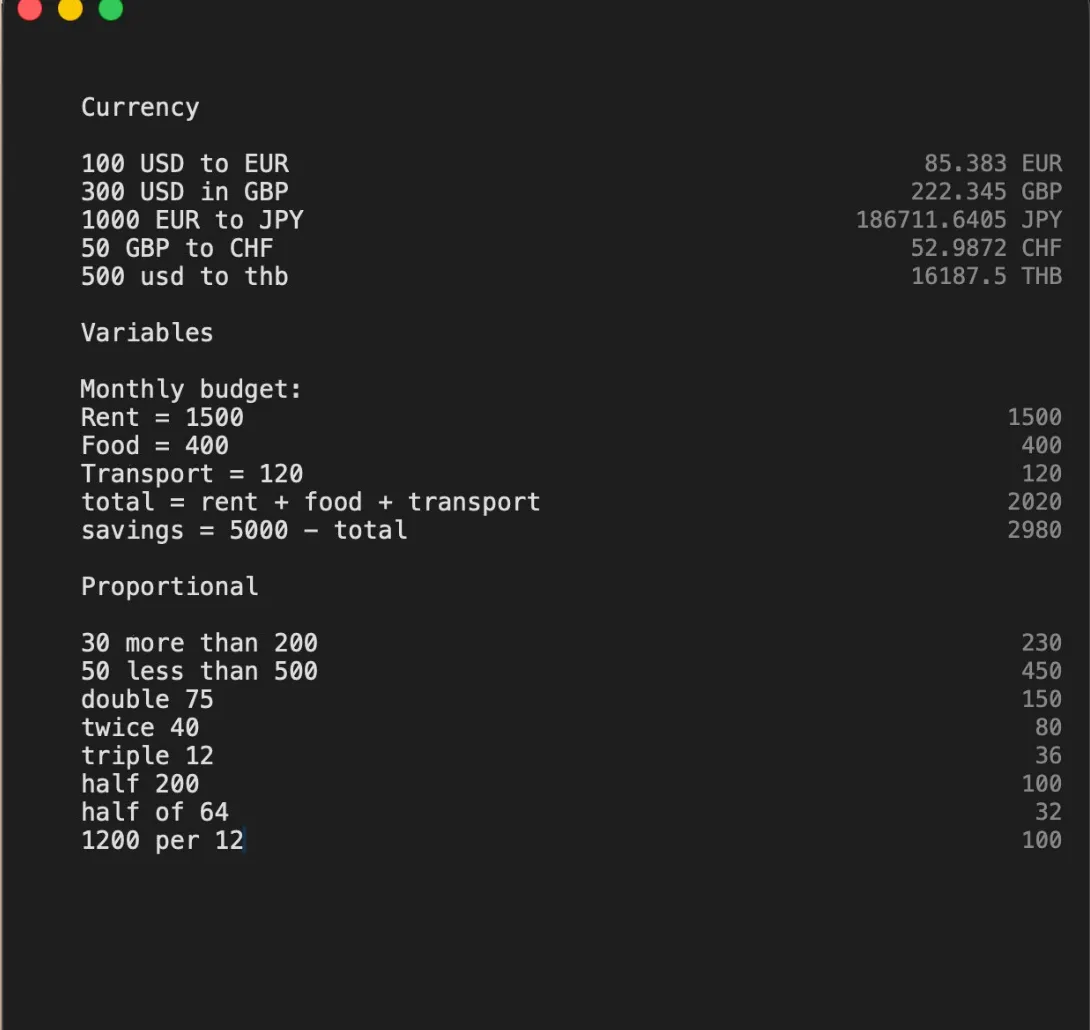
The Calculator app on your Mac has a problem you’ve probably run into: it forgets. You add up six numbers, get a total, then wonder whether you typed the third one right. There’s no way to look back. You clear it and start again.
A notepad calculator — sometimes called a natural-language or plain-text calculator — fixes that by working the way you do on paper. You write one calculation per line, and the answer appears next to it. Every step stays on the page.
How it works
Instead of buttons, you get a page. Type a line, and the answer appears in a column on the right:
rent = 1200               1,200
utilities = 180             180
groceries = 95 * 4          380
rent + utilities + groceries   1,760
You can use words or symbols, whichever comes first to mind. 8 times 9 and 8 * 9 both work. 20% off 150 gives you 120. Give a number a name and reuse it further down. Change the rent on the first line, and every line that depends on it updates at once.
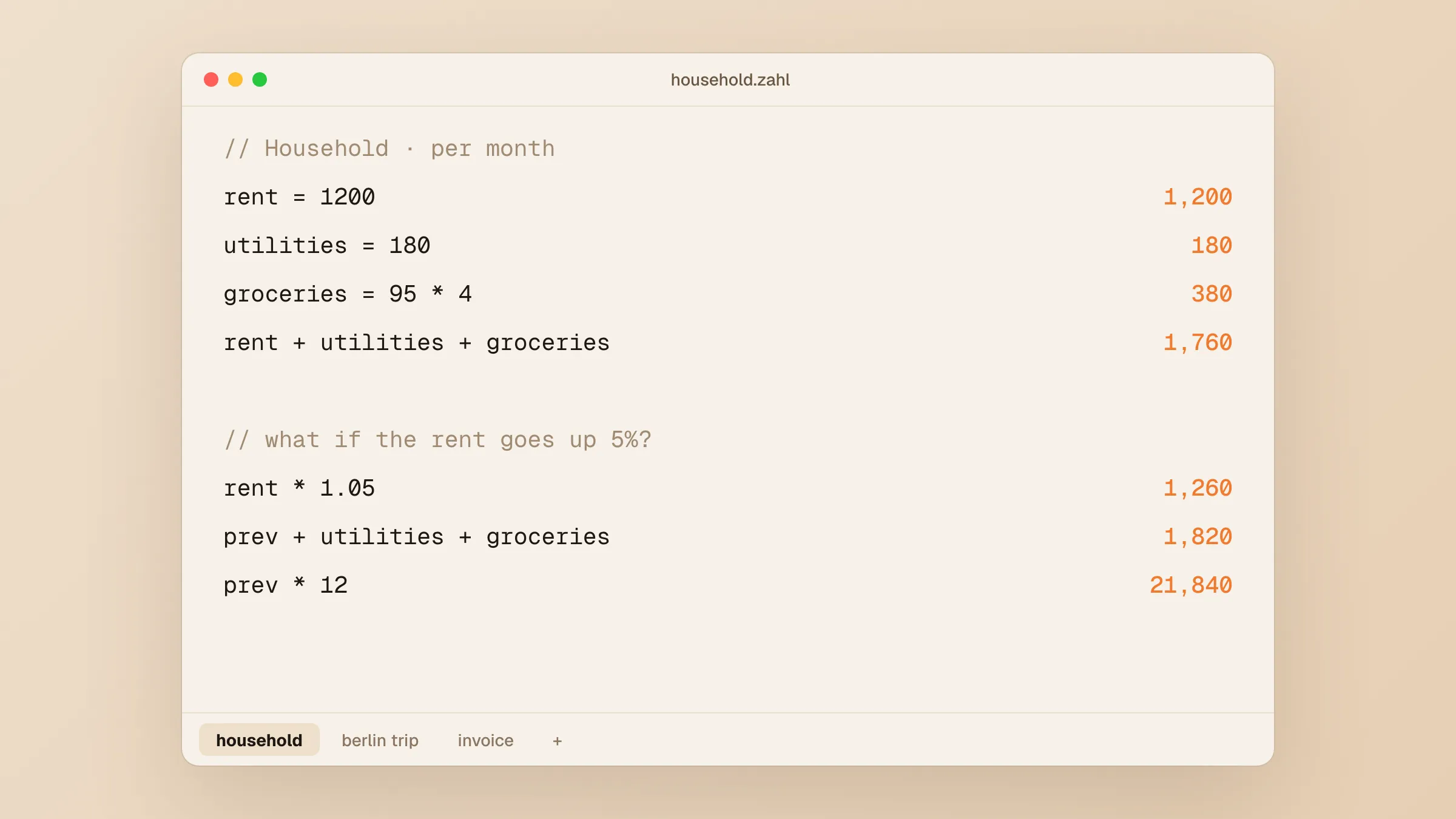 The same budget in Zahl, with a “what if” underneath. Change the rent on line two and every answer below follows. Illustration.
What it’s good for
Anything with more than two steps. Budgets, invoices, splitting a bill, working out a quote. The steps are written down, so you can check them, and so can whoever you send them to.
Everyday conversions. Most notepad calculators understand units, currencies and dates, so 5 km to miles, 100 usd to eur and today + 30 days work on the same page as your sums. No more opening a browser to look something up.
Trying “what if”. Because changing one line updates the rest, it is the fastest way to see what happens if the price goes up 10% or the trip is a day longer.
Keeping a record. A sheet stays open. Come back to it next week and the reasoning is still there.
Why not just use a spreadsheet?
You can, and for large tables of data you should. But a spreadsheet makes you think in cells and formulas. A notepad calculator lets you think in sentences: hotel = 95 eur * 5 is easier to write, and easier to read a month later, than =B4*C4. It is the tool for the quick sum you’d otherwise do on the back of an envelope.
Notepad calculators on the Mac
The best-known ones are Soulver and Numi; we compared them in a Soulver and Numi alternative for $5. Zahl is ours. It costs $5 once and understands:
- maths in words or symbols, with percentages
- variables, and
prevfor the line above - currencies at hourly European Central Bank rates
- units of length, mass, volume, area, energy, data, temperature and angle
- dates and time zones, like
next Mondayor9 am PST in Tokyo sum,averageandmeanfor the block above- hex, binary and octal
Sheets save themselves in tabs at the bottom of the window, and ⌘⇧Space brings Zahl forward from any app. It works offline, except for refreshing currency rates.
The quickest way to see if a notepad calculator suits you is to do your next real calculation in one. Most people don’t go back.