RapidRAW, LightCraft and Chili RAW: the new free RAW editors compared
Three young RAW editors want to replace Lightroom. How RapidRAW, LightCraft and Chili RAW differ in platforms, AI tools, file handling and maturity.
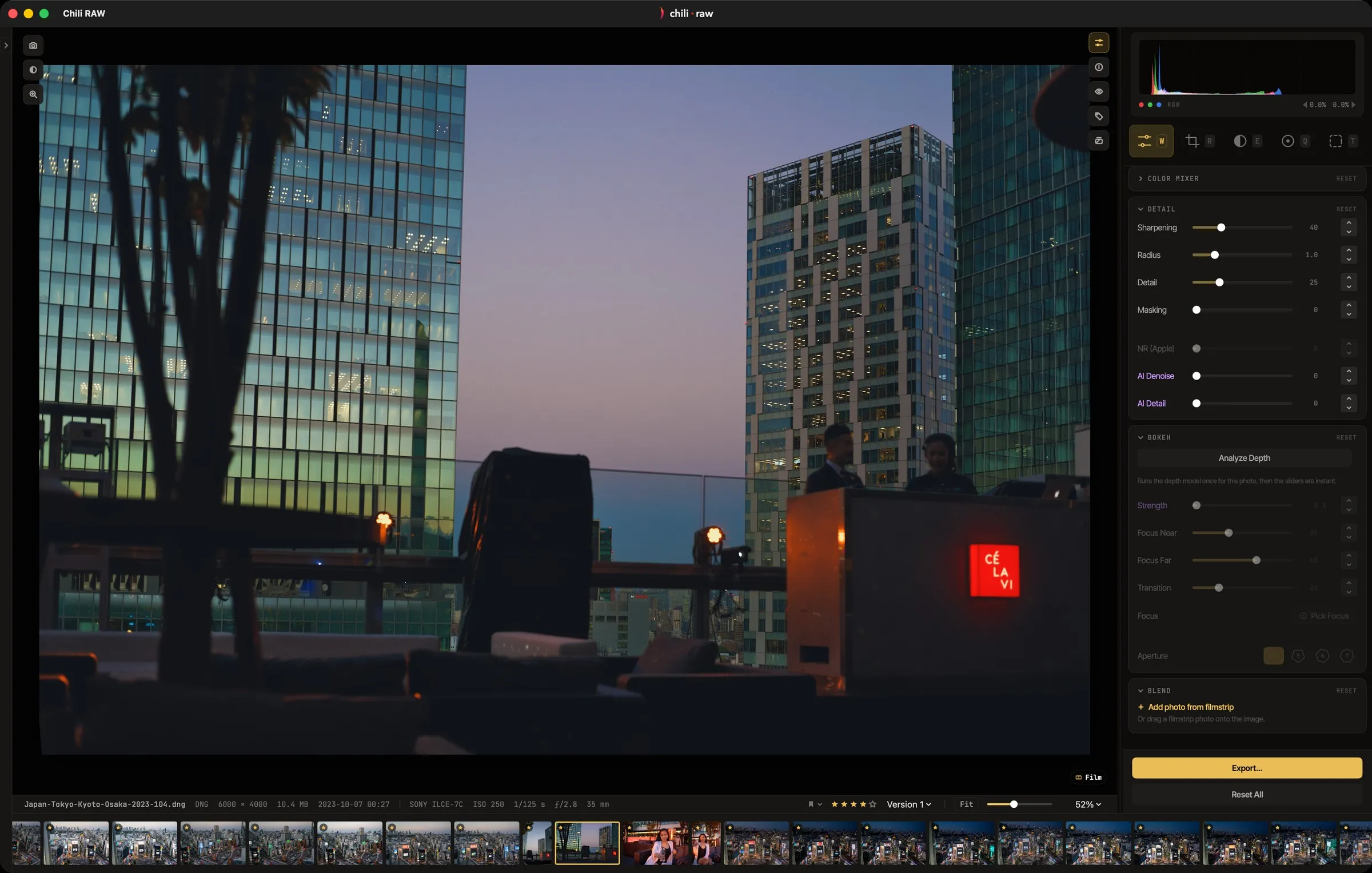
For years, the free alternatives to Lightroom were darktable and RawTherapee: powerful, open source, and famously hard to learn. In the last year and a half a new wave has arrived. RapidRAW and LightCraft are open-source editors written in Rust that have collected thousands of GitHub stars in a short time, and Chili RAW is a Mac-native editor with a free version and a one-time Pro licence.
All three promise the same things: fast editing, AI masks that run on your own computer, and no subscription. They differ a lot in what they run on, how they treat your files and how finished they are. Here is an honest comparison. Chili RAW is our app, so we have tried to be specific about where the other two are the better choice.
Everything below is as of October 2026. All three projects move fast, so check their own pages for the latest.
The short version
| RapidRAW | LightCraft | Chili RAW | |
|---|---|---|---|
| Runs on | Windows, macOS, Linux, Android | macOS, Windows, Linux, browser | Mac only (Apple silicon, macOS 15+) |
| Price | Free | Free | Free; Pro $39.90 once |
| Source | Open source (AGPL-3.0) | Open source (MIT / Apache-2.0) | Closed source |
| Your files | Folders, sidecar files | Catalogue, can write XMP sidecars | Folders, sidecar files |
| Status | Frequent releases since 2025 | Alpha | Version 1.3 |
RapidRAW
RapidRAW was started in June 2025 by a young developer, CyberTimon, as a personal challenge, and quickly became one of the most talked-about free RAW editors. It is built with Rust and Tauri and processes images on the graphics card, which is where its name and its speed come from.
It works on folders instead of a database: edits are saved in small sidecar files next to your originals. The AI tools run locally — masks for subject, sky, foreground, depth and parts of a face, masks from a text prompt, AI denoise, automatic tagging and simple object removal. Generative edits are optional, either through a ComfyUI setup you host yourself or through a paid cloud service. An AI-free mode hides all of it.
Choose RapidRAW if you need one editor on Windows, Linux and the Mac, you want open source, or you’d like to tether on Linux.
LightCraft
LightCraft is newer still, and openly in alpha. It is written entirely in Rust, runs on all three desktop systems and even in a browser, and is dual-licensed MIT or Apache-2.0.
It takes the Lightroom approach to files: you import into a catalogue (in place, by copying or by moving), and the catalogue keeps a readable log of every operation. It can read and write XMP sidecars, which helps if you move between editors. AI masks use a separately installed model, and one unusual feature is an MCP server, so AI agents can drive the app. The project’s own estimate is that it covers about 60% of a photographer’s day-to-day work today, with camera colour, some RAW formats and HDR display among the gaps.
Choose LightCraft if you like following a fast-moving open-source project, you want a catalogue workflow like Lightroom’s, or you are interested in automating editing with AI agents.
Chili RAW
Chili RAW only runs on Macs with Apple silicon, and that is the point: it is built on Apple’s own frameworks, and can decode each RAW file with Apple’s engine, the Adobe DNG SDK or LibRaw, so you can compare the starting points.
Like RapidRAW, it reads your photos where they are and keeps edits in sidecar files; the originals are never touched. The free version is a complete RAW developer and library — culling, masks you draw, lens corrections, versions, HDR export, face grouping and search. The Pro licence adds the tools built on machine-learning models: one-click masks for sky, subject and depth, portrait masks, generative remove and extend, lens blur, and Film Labor’s film and paper rendering. Every model is a download you choose in Settings, and none of them send a photo anywhere.
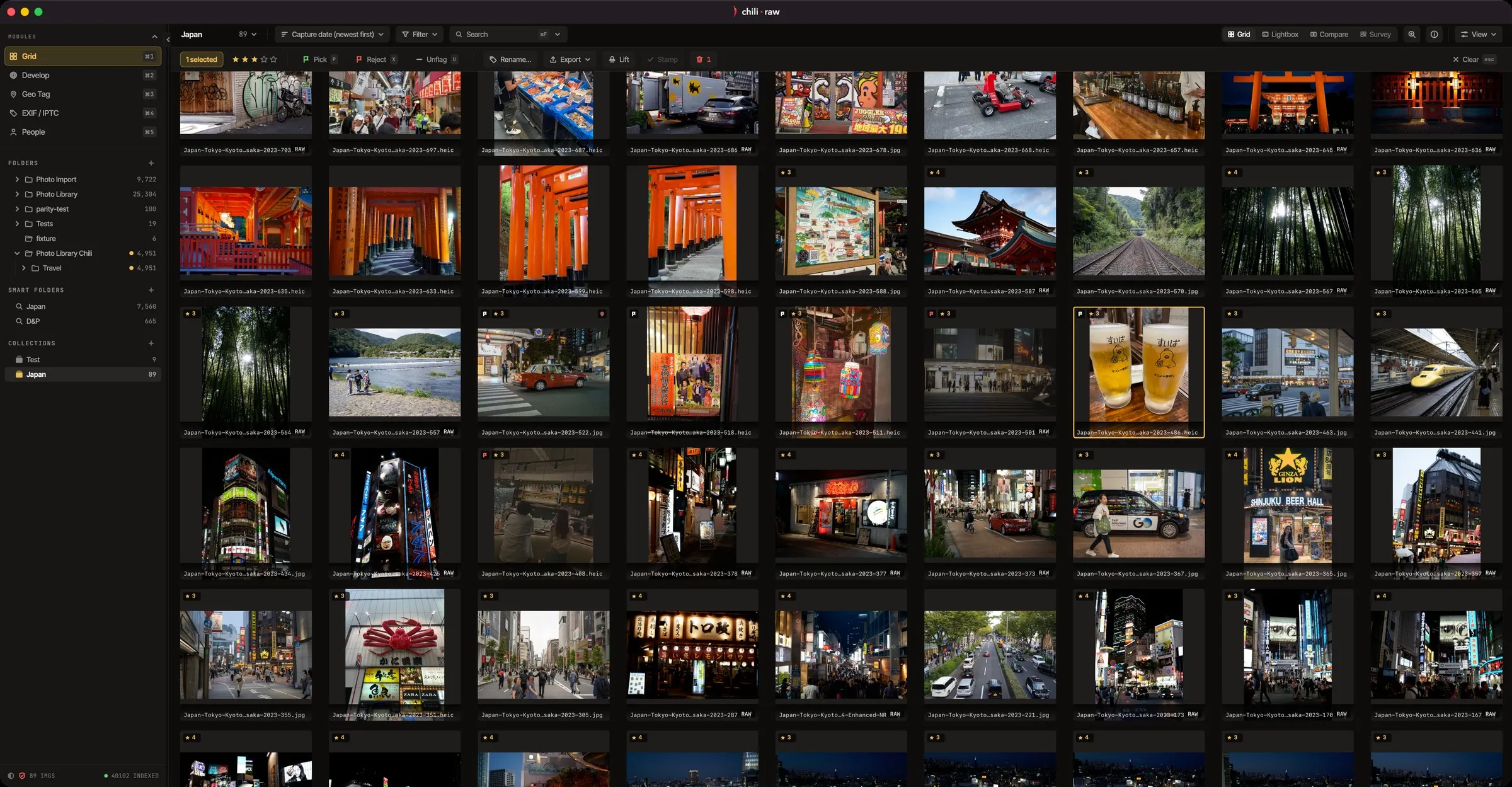 Chili RAW reads photos straight from their folders; there is no import step.
Choose Chili RAW if you work on one Mac and want an editor that feels at home there, is past version 1.0, and asks for one payment at most.
What all three get right
The shift these editors share matters more than the differences. Your photos stay on your own drive. AI runs on your own hardware. Nobody asks for a monthly fee to open your own files. Five years ago that combination barely existed outside darktable.
The best way to decide is to try them all on the same twenty RAW files from your own camera. All three are free to download. For a closer look at what Chili RAW’s free version covers, see Chili RAW: a free Lightroom alternative for the Mac.