Plan a trip budget in two currencies, in one window
Work out a travel budget in the local currency and your own, with time zones and dates on the same page. A step-by-step example in a plain-text calculator.
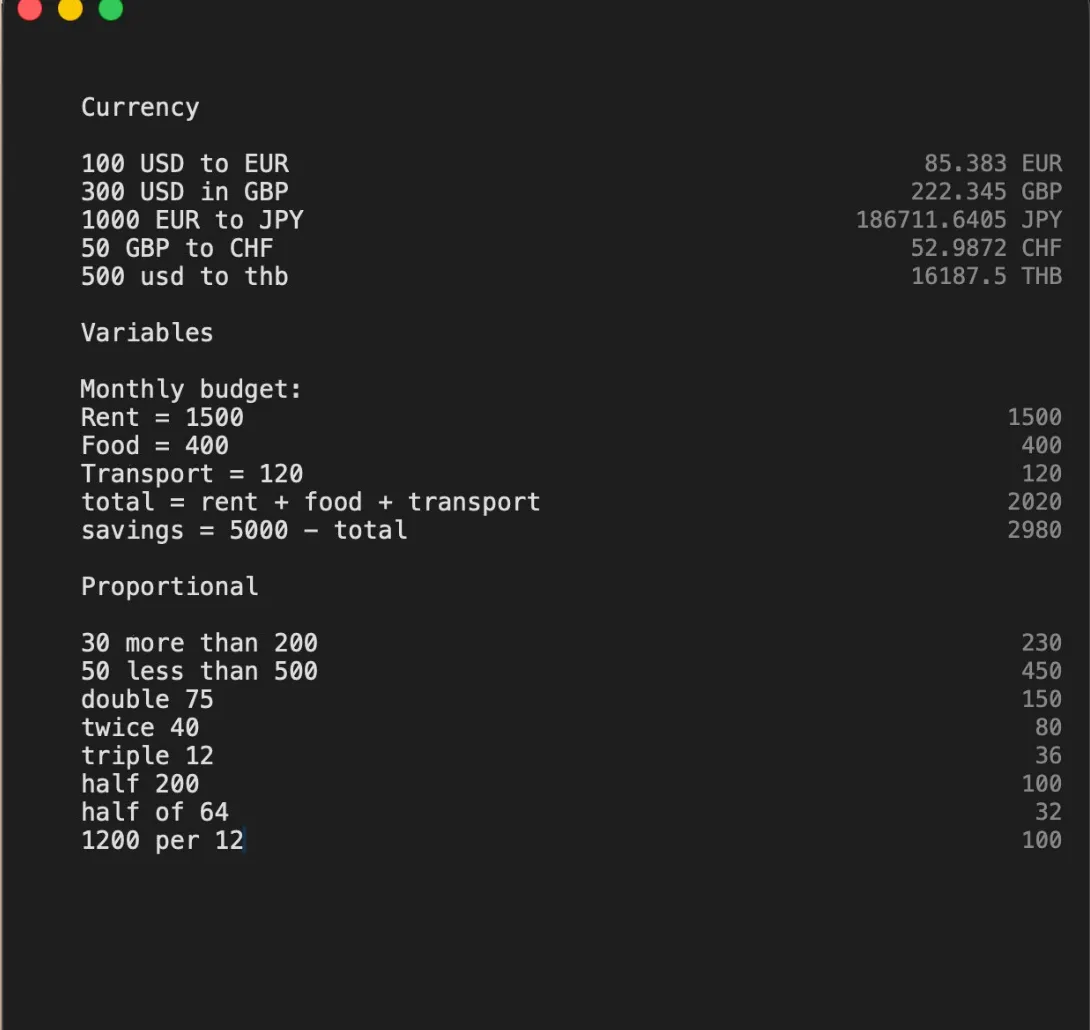
Planning a trip usually means three browser tabs: a currency converter, a time zone site and a calendar, plus a notes app where you add it all up. A plain-text calculator does all four in one window, and keeps the working so you can change it later.
Here is a real example: five nights in Berlin, planned in Zahl, a $5 calculator for the Mac. The same lines work for any trip.
Step 1: write down the costs as you find them
Give each cost a name. Prices can carry their currency, so you can write them exactly as you see them on the booking site:
// Berlin trip · 5 nights
flight = 240 eur
hotel = 95 eur * 5
food = 35 eur * 5
Zahl shows 240 EUR, 475 EUR and 175 EUR next to the lines. The comment line at the top is just a title, so you can tell your sheets apart later.
Step 2: add it up
flight + hotel + food 890 EURBecause the costs have names, the total reads like a sentence. If the hotel drops its price, change the hotel line, and the total follows.
Step 3: see it in your own currency
prev to usdprev means “the answer on the line above”. Zahl converts it using the European Central Bank’s rates, refreshed hourly. If you’re offline — on the plane, say — it uses the last rates it saved and shows their date next to the answer, so you always know how fresh the number is.
Any currency works the same way: 50 gbp in jpy, 200 cad to thb.
Step 4: dates and time zones
On the same page:
today + 12 days
9:30 am EST in Berlin        3:30 pm
The first tells you the date twelve days from now; the second, what time a 9:30 call back home is in Berlin. next Monday and today + 30 days work too.
Step 5: the small sums on the road
Restaurant bills, tax and tips are the sums you most often get wrong on holiday. Write them as you’d say them:
subtotal = 89.90
subtotal + 19% tax           106.98
15% tip on prev               16.05
And if you put a few amounts on consecutive lines, sum on the next line adds them up. A blank line starts a new block.
Keep the sheet
Sheets in Zahl save themselves, so the trip stays in its own tab until you delete it. Double-click the tab to name it. ⌘⇧E copies the whole sheet, calculations and answers, if you want to send it to whoever you’re travelling with.
For more on how this way of calculating works, see what a notepad calculator is.