
Sugu Manual
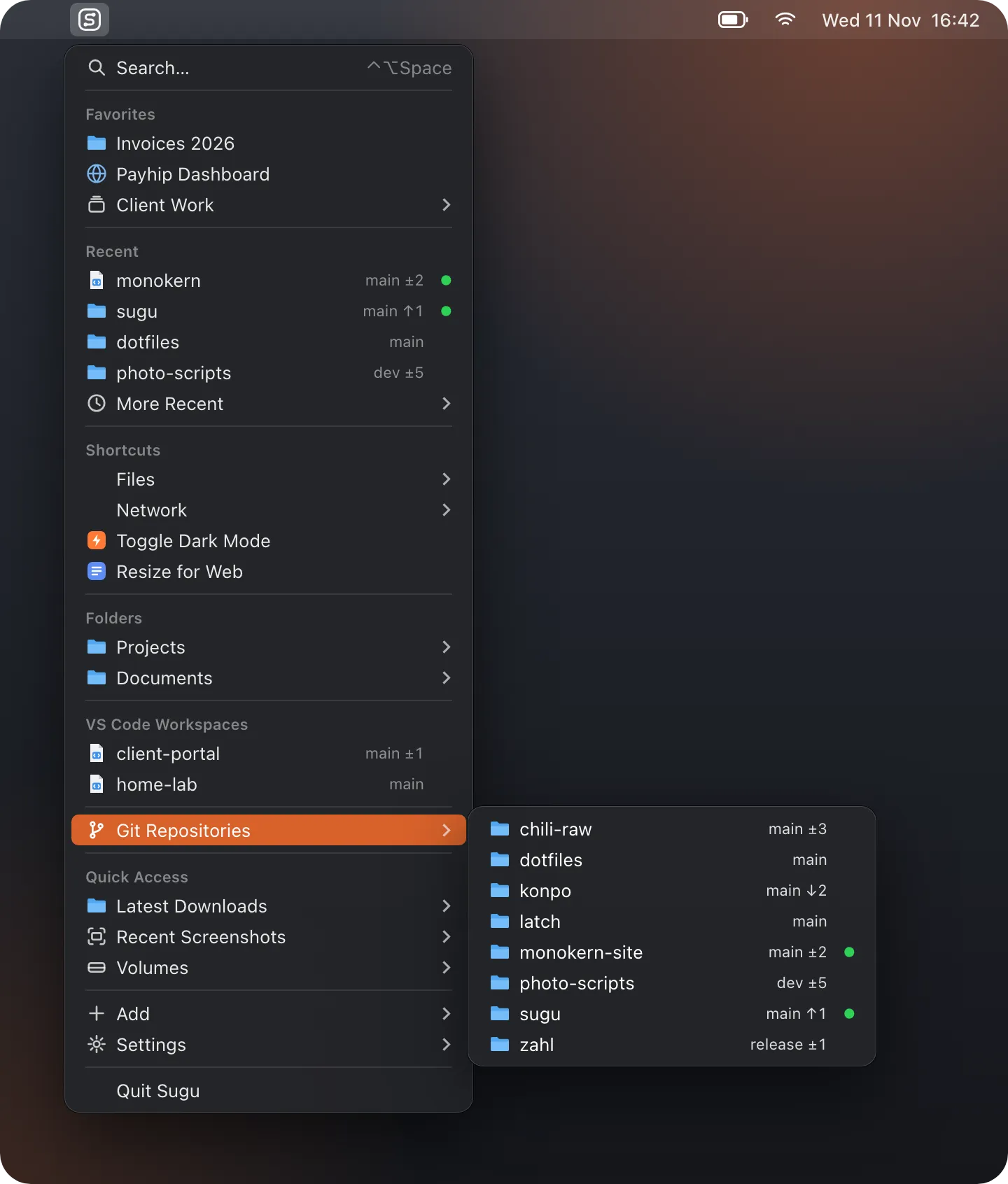
Sugu is one menu in your menu bar for the things you open all day: VS Code workspaces, git repositories, folders and files, links, and the shortcuts you made in the Shortcuts app. It shows each repository’s branch and changes, searches all of it from the keyboard, and keeps a handful of actions one key away.
- Click the key in the menu bar to open the menu.
- Press ⌃⌥Space anywhere to search everything in it.
- Hold ⌥ while the menu is open to see the actions for any item.
Sugu needs macOS 14 Sonoma or later. It has no window and no Dock icon: everything, settings included, lives in the menu.
Getting started
Section titled “Getting started”- Open the downloaded
Sugu.dmgand drag Sugu to Applications, then open it from there. - Sugu asks for folders right away. Choose the folders your work lives in, for example
~/Codeor~/Projects. You can add more later with Add → Folder to Menu…. - Open the menu. Sugu has already found the VS Code workspaces and git repositories inside those folders, and lists the folders and workspaces you opened recently in VS Code.
The first 14 days are a free trial with everything working. After that a licence is $2.99, once: see Trial and licence.
Every page
Section titled “Every page”| Page | What it covers |
|---|---|
| The menu | The sections, git status, the green open-window dot, clicking and ⇧-clicking |
| Quick Open | Searching everything with ⌃⌥Space, the menu at the pointer, the keys |
| Item actions | Everything under ⌥: editors, Terminal, Finder, git, workspaces, Trash |
| Folders, repos and workspaces | Added folders, how repositories and workspaces are found, per-folder settings |
| Favorites and links | Pinning items, links with any URL, groups |
| Shortcuts | Running shortcuts from the menu, mirroring the Shortcuts app or building your own folders |
| Quick Access | Latest Downloads, Recent Screenshots and Volumes |
| Settings | Every setting in the Settings submenu |
| Trial and licence | The 14-day trial, entering your key, using it on two Macs |