MilkDrop presets explained: how a few equations make the visuals
A MilkDrop preset is a short text file of equations. How per-frame and per-pixel code, waves, shapes and shaders turn music into endless motion.
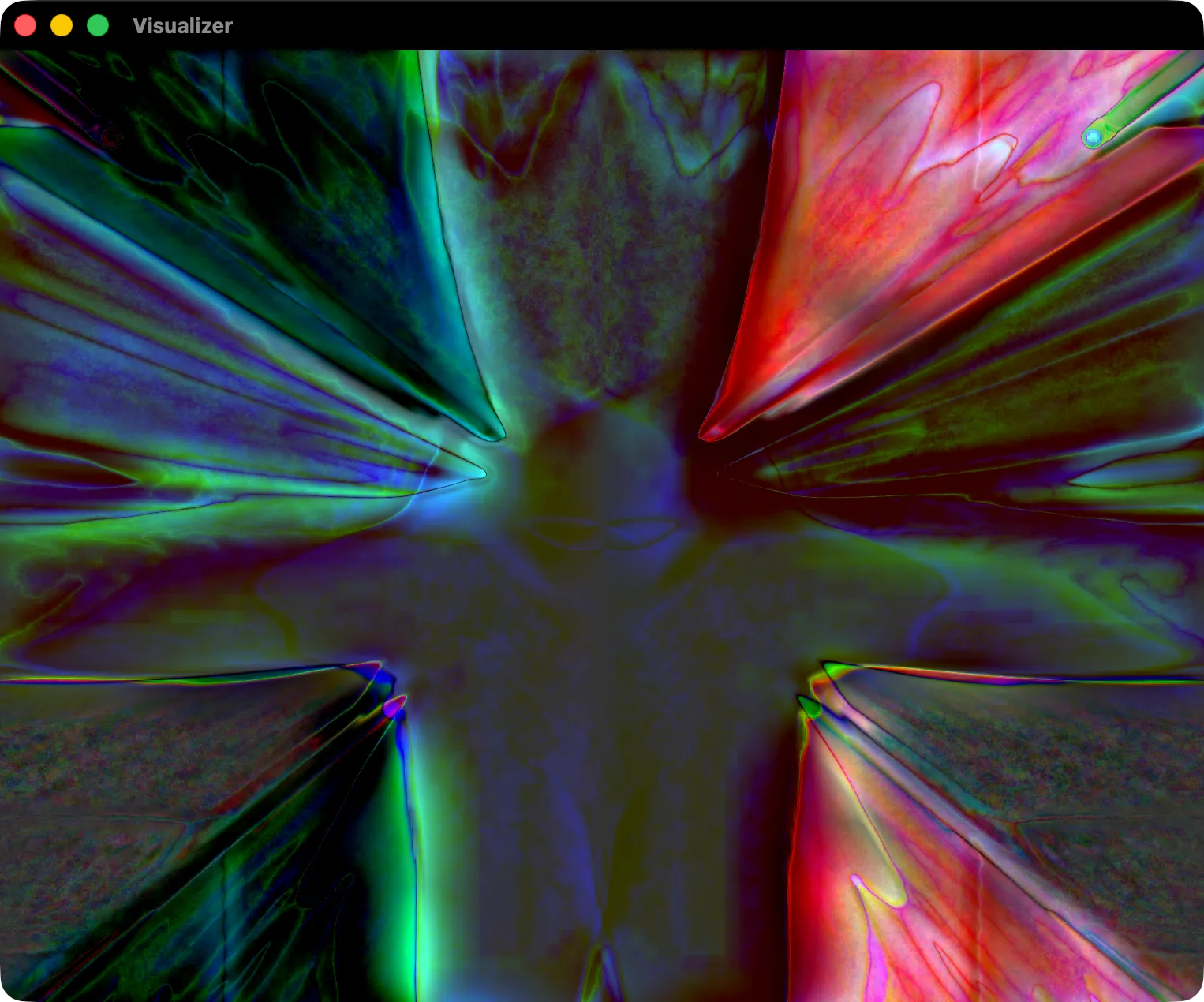
Anyone who spent time with Winamp’s MilkDrop remembers the presets: the tunnel that breathed with the kick drum, the smoke that curled off the waveform, the one that looked like liquid metal. What most people never saw is how small those presets are. A MilkDrop preset is a short text file, often only a few dozen lines, and most of what you see comes from one simple idea.
The idea: every frame is built from the one before
MilkDrop doesn’t draw each frame from scratch. It takes the previous frame, moves it a little — zooms it, rotates it, warps it, shifts it — fades it slightly, and then draws the music’s waveform on top. Then it does the same again, about sixty times a second.
Because each frame feeds the next, small movements add up. A zoom of 1% per frame becomes a tunnel. A slight rotation becomes a spiral. A gentle fade leaves trails behind everything. The preset’s job is to describe that movement, and to make it react to the music.
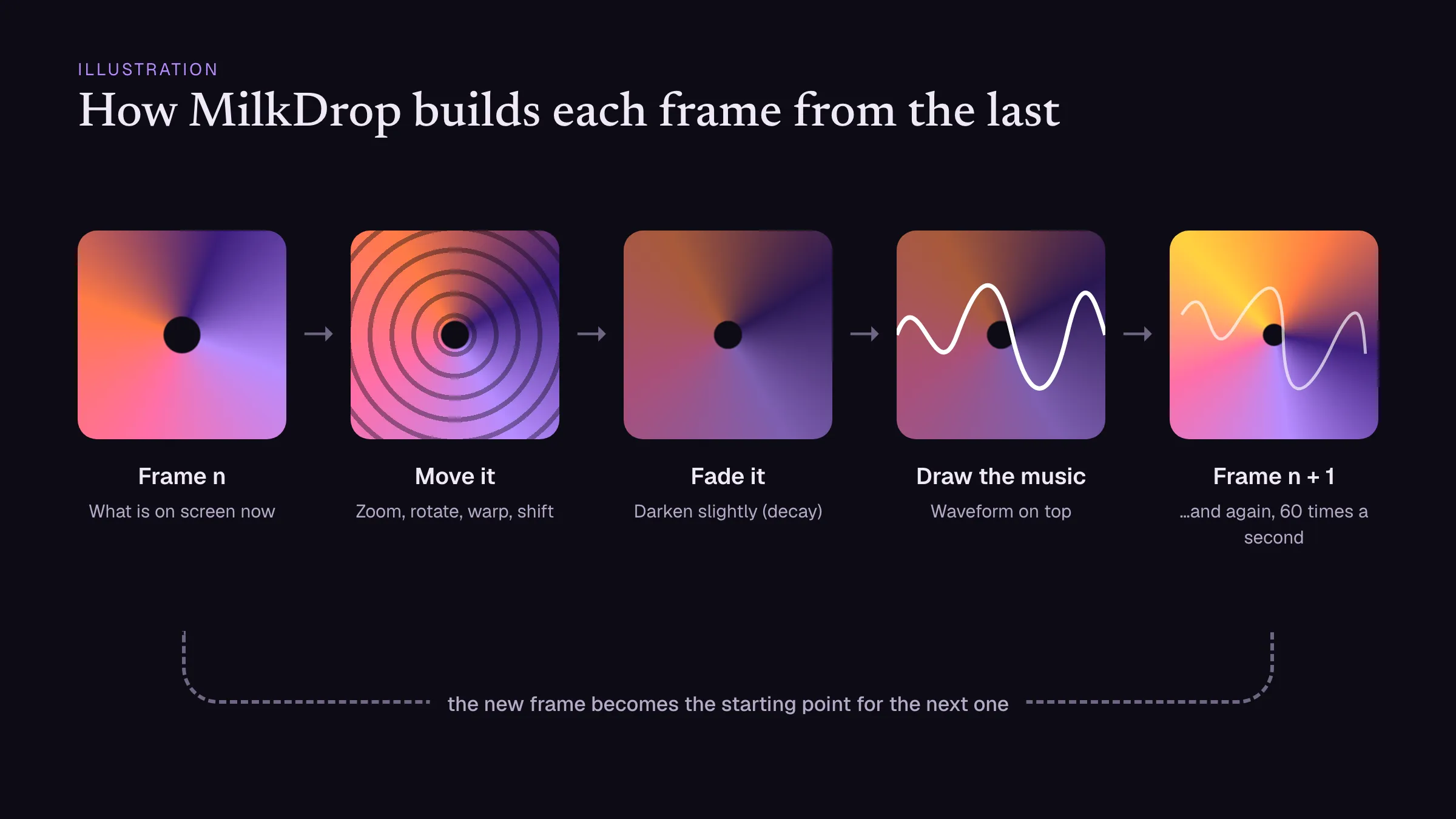 The whole trick: each frame is the previous one, moved, faded and drawn over. Illustration.
What is inside a .milk file
A preset is a plain text file with a .milk extension, written as key=value lines. You can open one in any text editor. Roughly, it has five parts.
Starting values. How strongly to zoom, rotate and warp, how fast the image fades (decay), which kind of waveform to draw and in what colour.
Per-frame equations. Code that runs once per frame and changes those values over time. This is where the music comes in: MilkDrop hands the preset variables like bass, mid and treb for the loudness of each band right now, smoothed versions of them, and time in seconds.
An illustrative example, in the file’s own format:
per_frame_1=zoom = 1.0 + 0.04*bass;
per_frame_2=rot = 0.03*sin(time*0.5);
per_frame_3=wave_r = 0.5 + 0.5*sin(time);
That makes the image push forward on every bass hit, sway slowly left and right, and shift the waveform’s red channel over time.
Per-pixel equations. Code that runs for points across a grid on the screen, with each point’s position as input: x and y, or its distance rad and angle ang from the centre. Changing zoom by rad makes the edges move faster than the middle; changing rot by ang twists the image into a vortex.
per_pixel_1=zoom = zoom + 0.03*rad;Custom waves and shapes. Extra waveforms and polygons the preset draws itself, each with its own little equations. These are the rings, stars and particles that dance on top of the motion.
Shaders (MilkDrop 2). MilkDrop 2, which came with Winamp 5.5 in 2007, added two pixel shaders: a warp shader that changes how the previous frame is carried over, and a composite shader that changes how the finished frame is shown. This is where the glow, the colour shifts and the kaleidoscopes of later presets come from.
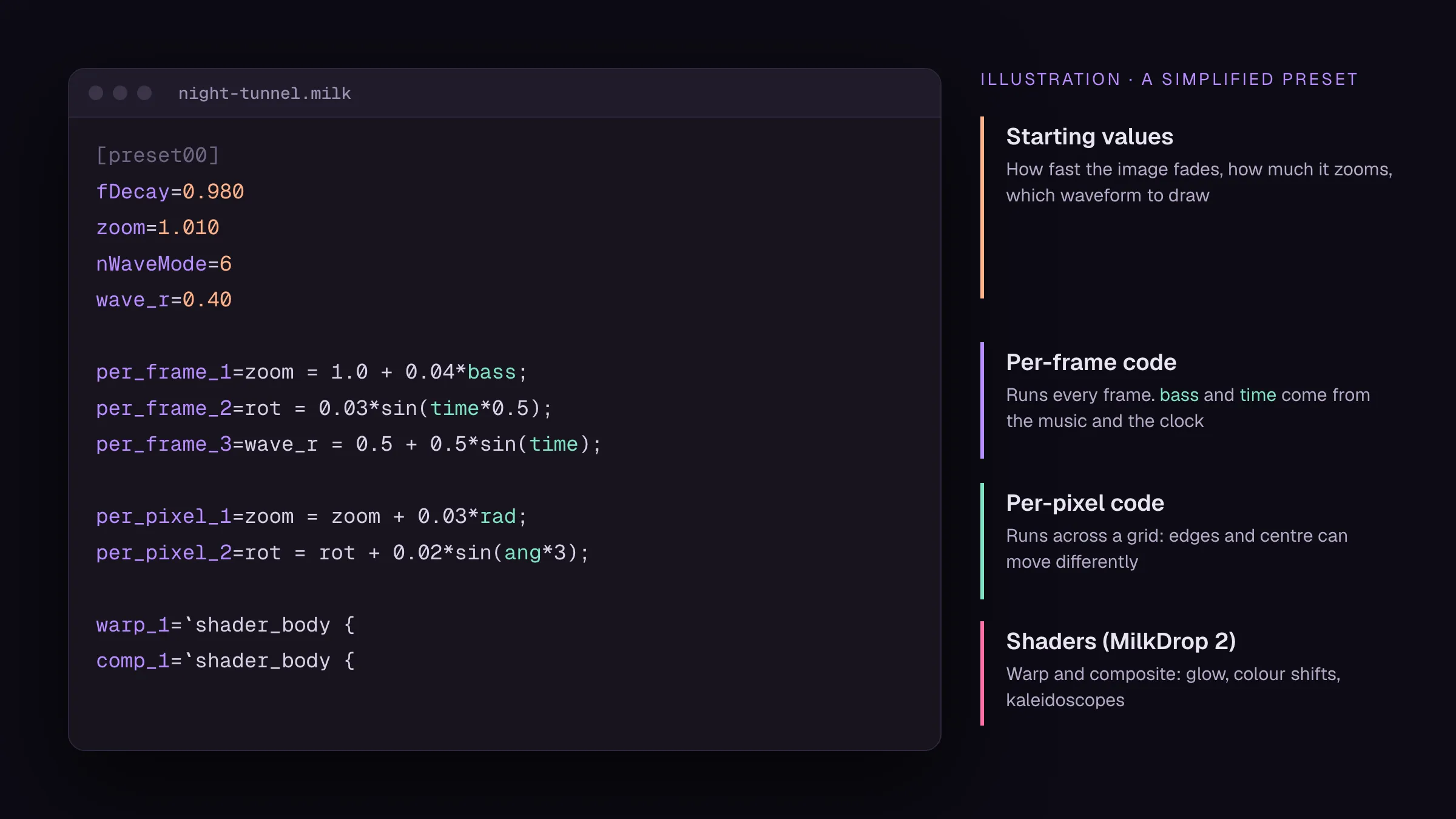 A simplified preset. Real ones are longer, but they have the same four parts. Illustration.
Why so many presets exist
Presets are short, readable and forgiving. Change one number and you see the result straight away, which makes MilkDrop one of the friendliest ways ever invented to play with code. Thousands of people wrote presets, often by copying someone else’s and changing it, and passed them around on the Winamp forums. The big preset packs that still circulate are the result of twenty years of that remixing.
Before you share or rework a preset, look at the name and the comments in the file: preset authors usually signed their work, and keeping their names in the file is the community’s long-standing courtesy.
How old presets run today
MilkDrop itself ran on Windows with DirectX, and its presets use DirectX’s shader language. The modern rebuilds translate them:
- projectM reads
.milkfiles directly in its own engine. - Butterchurn runs in WebGL and uses presets converted from
.milkfiles with its own converter, which turns the equations into JavaScript and the shaders into the web’s shader language. Most classic presets survive the trip; a few that relied on quirks of the original look different.
Trying it on a Mac
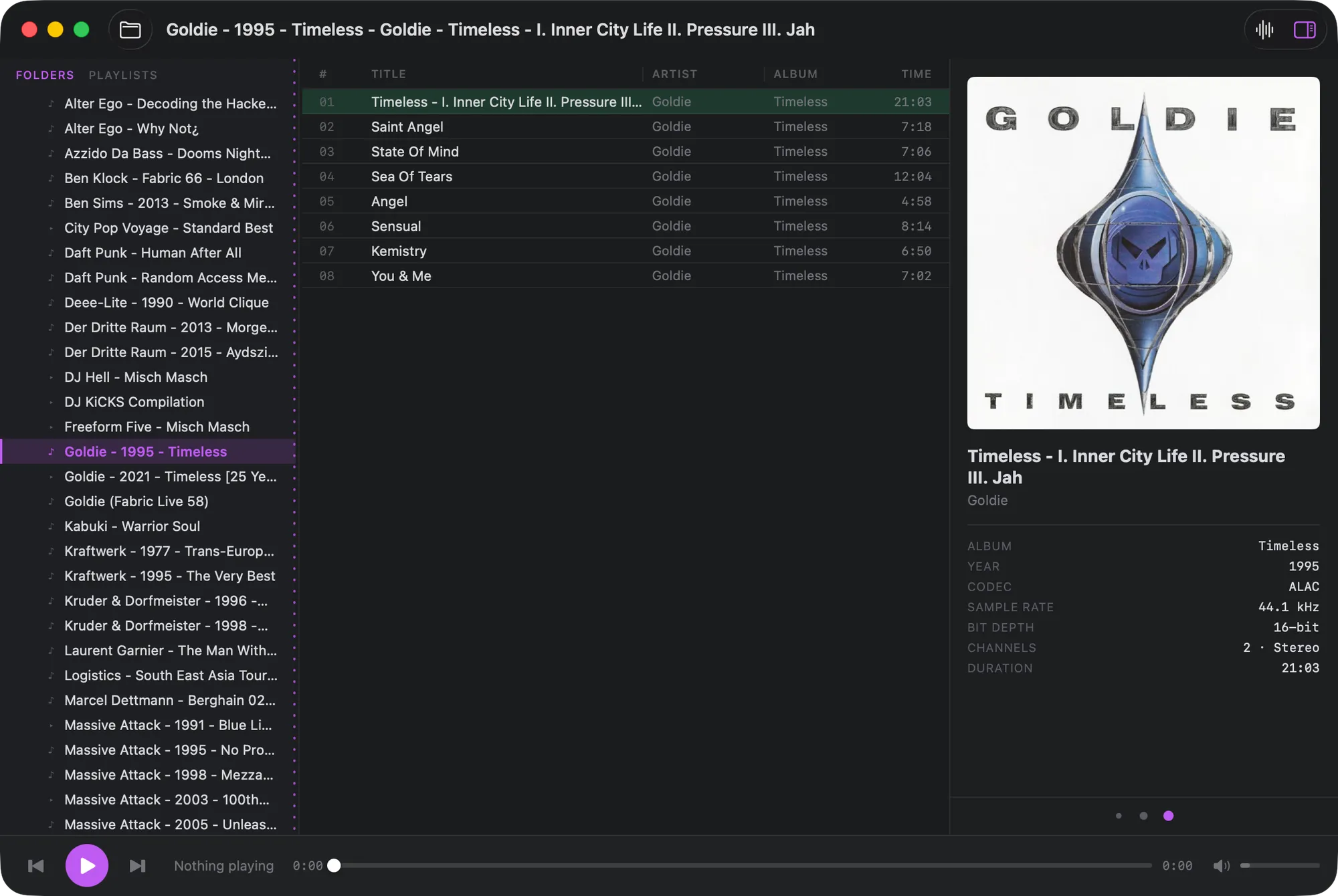
Konpo, our free Mac music player, has a Butterchurn visualizer built in. Press ⇧⌘V while music is playing and it opens in its own window and cycles through its presets. Right-click the window to load a folder of presets of your own, or to go back to the built-in set.
If you are new to all of this, start with the story of Winamp and MilkDrop. If you want the rest of the Winamp experience on your Mac too, see Winamp for Mac: five ways to get the feeling back.