Winamp for Mac: five ways to get the feeling back
Winamp never really came to the Mac. Here are five ways to get its skins, its MilkDrop visualizer and its quick, small-player feel on macOS today.
If you search for Winamp for Mac, you are probably not after the app itself. You want what it felt like: a small window that opened instantly, played whatever you dropped on it, wore a skin someone made in their bedroom, and turned the music into light when you opened MilkDrop.
Winamp was a Windows program. Apart from a short-lived Mac beta in 2013, shortly before AOL stopped working on it, there has never been a Mac version you could rely on. But almost every part of it has been rebuilt by someone, and most of it runs on a Mac. Here are five ways to get it back, depending on which part you miss.
1. Webamp: Winamp 2, in a browser tab
Webamp, by Jordan Eldredge, is a faithful rebuild of the Winamp 2 interface in JavaScript. Open webamp.org and you get the main window, the equaliser and the playlist, pixel for pixel, and you can drag your own music files onto it.
It reads classic .wsz skins, so any skin you remember will load. Its companion project, the Winamp Skin Museum, is a searchable archive of tens of thousands of classic skins, each one previewed live in Webamp. If you mainly miss how Winamp looked, start here.
The limit is that it lives in a browser tab. It is wonderful for a nostalgia trip, and less suited to playing a whole music library every day.
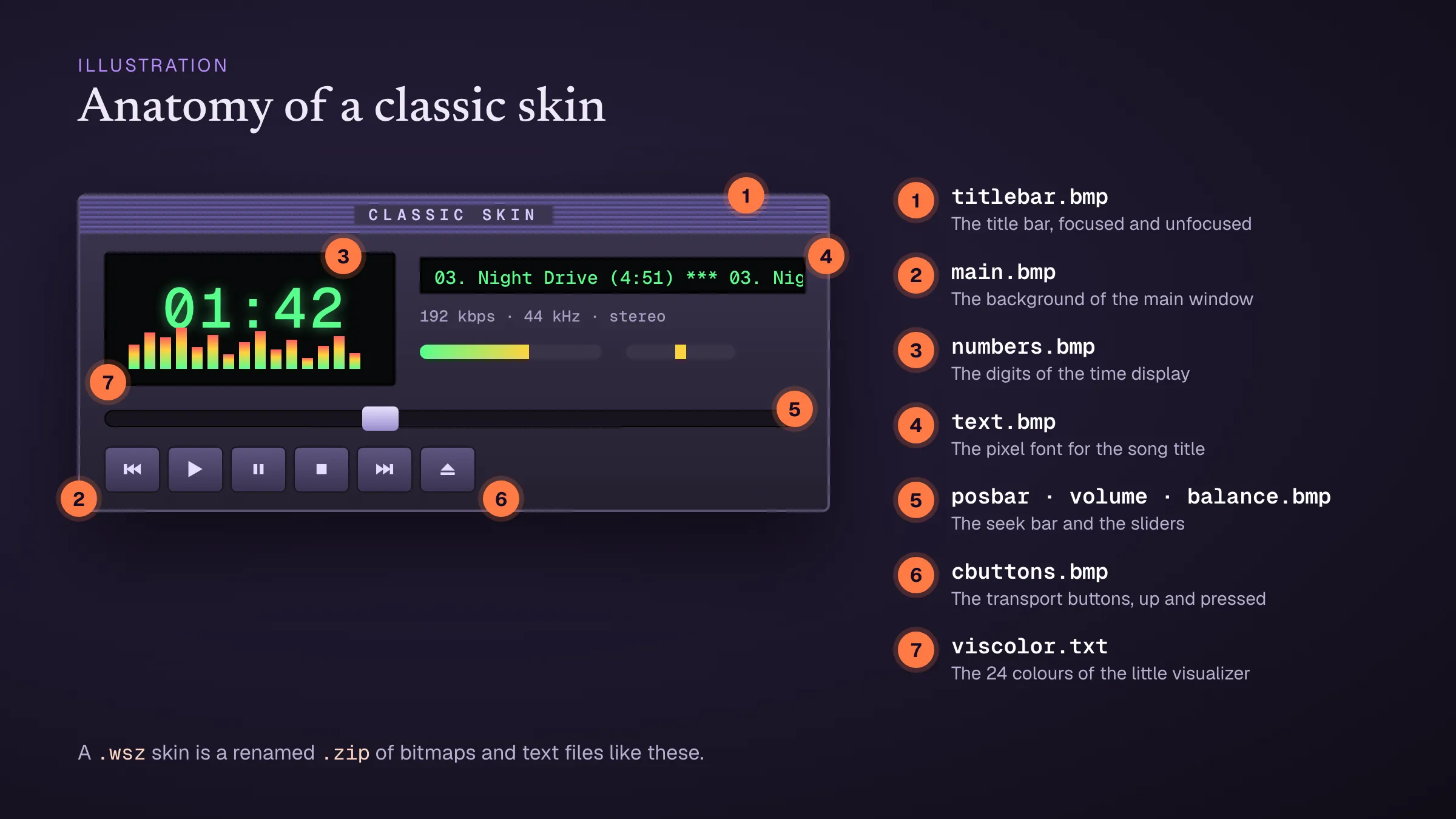 A classic skin is a handful of bitmaps: one for the title bar, one for the buttons, one for the digits, and so on. Illustration.
2. A player with a Winamp-style interface
A few open-source players for the desktop copy the Winamp Classic layout and read the same skins. Audacious is the best known: it has a Winamp-style interface alongside its normal one, and it can load .wsz skins. It started on Linux, so check its website for the current state of the Mac builds before you commit to it.
This is the closest thing to “Winamp, installed”: a real app, with skins, playing your own files.
3. MilkDrop on its own: projectM
If what you miss is the visualizer, projectM is the long-running open-source rebuild of MilkDrop. It reads MilkDrop presets, and it is built into a number of music players and also runs as a standalone program. It is the best choice if you want MilkDrop in a VJ setup or on a big screen.
For how the presets themselves work, see MilkDrop presets explained.
4. MilkDrop in the browser: Butterchurn
Butterchurn, by Jordan Berg, rebuilds MilkDrop in WebGL. It ships with a large set of classic presets converted from the original .milk files, and it is the visualizer inside Webamp: open the MilkDrop window there and it is Butterchurn you are looking at.
On its own, Butterchurn is a library for developers rather than an app, which is why it mostly turns up inside other projects.
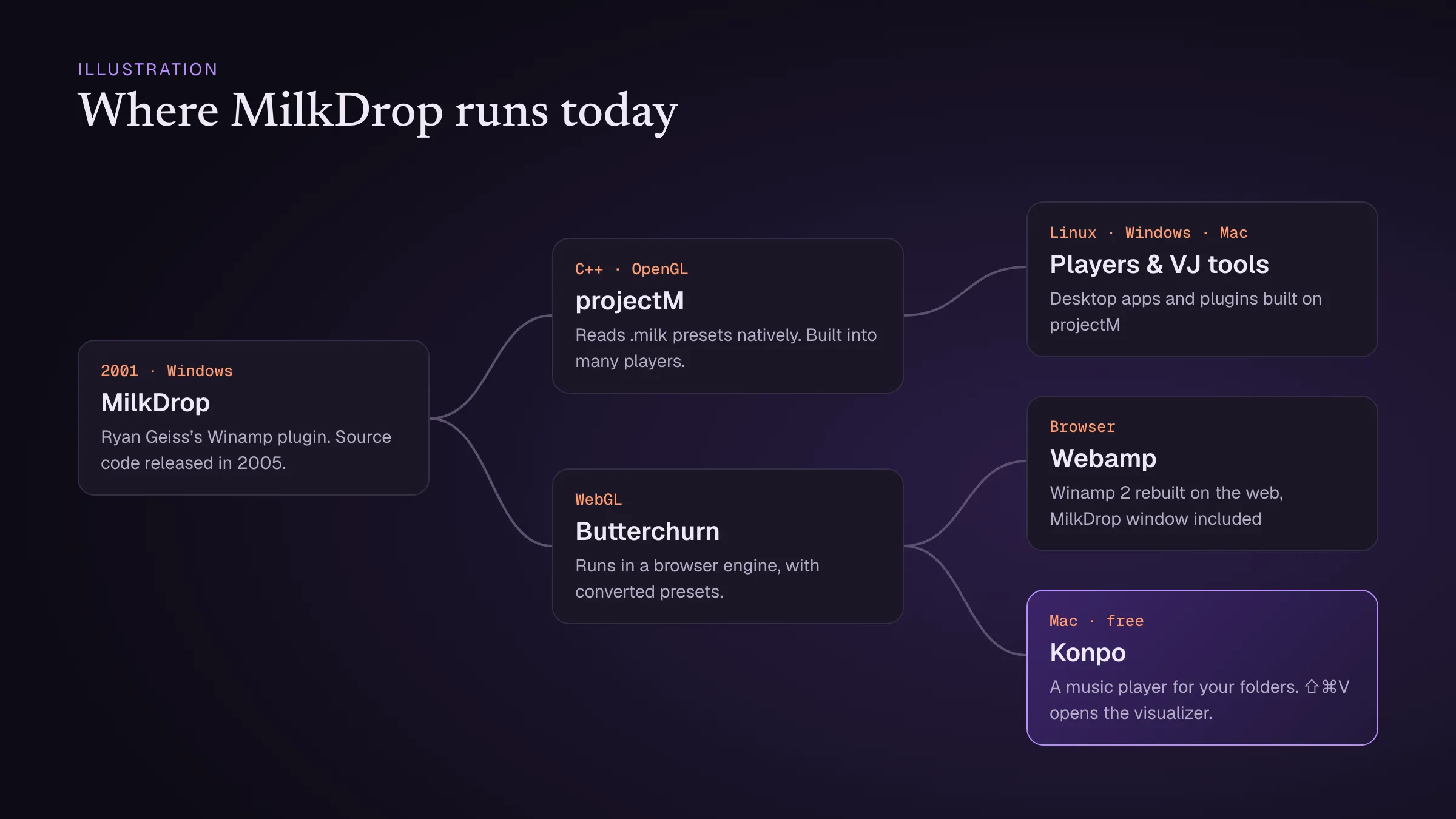 MilkDrop’s family tree: projectM and Butterchurn rebuilt it, and today’s players build on them. Illustration.
5. Konpo: a quick Mac player with MilkDrop built in
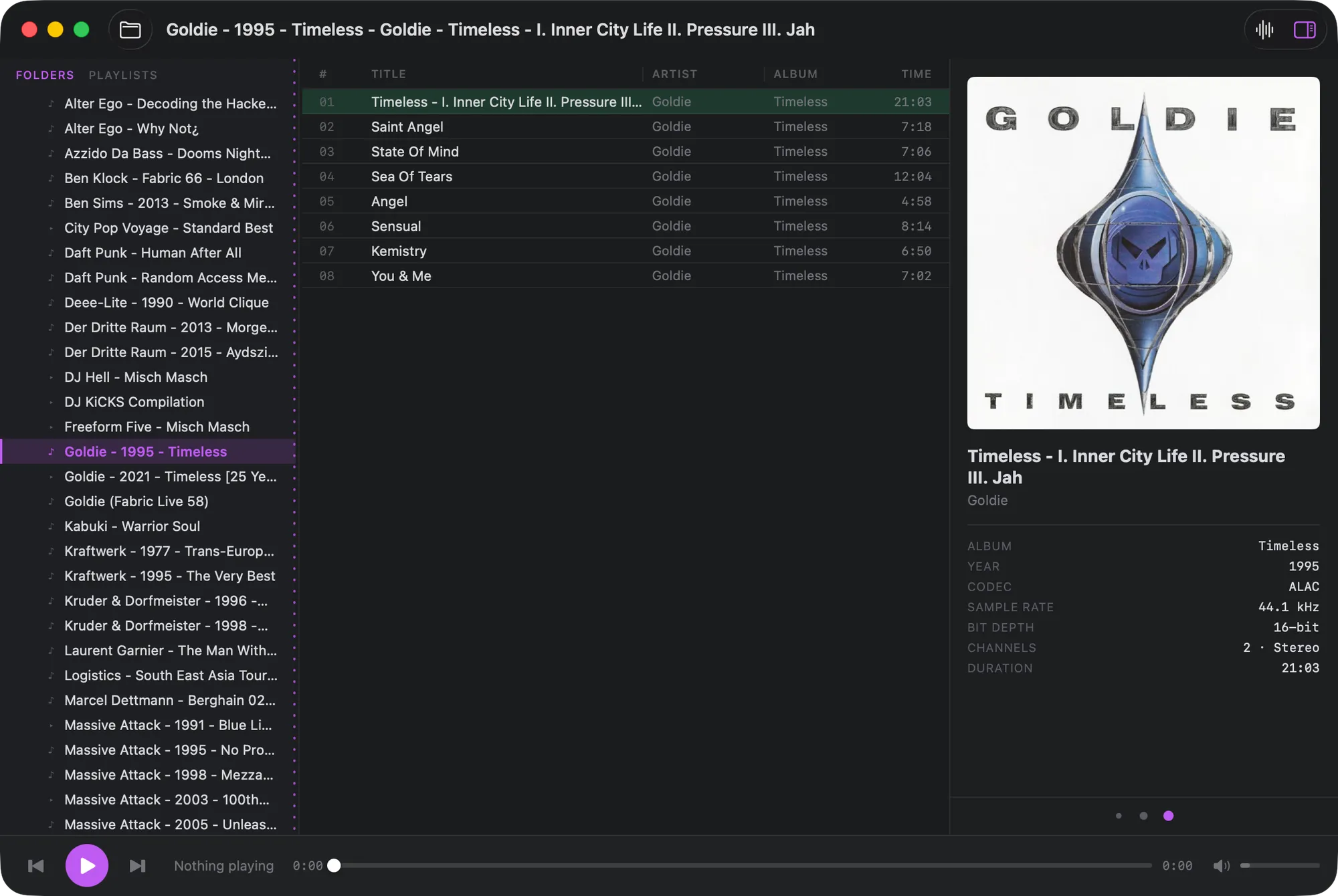
Konpo is the option we make, so take this one with that in mind. It is a free Mac player built around the part of Winamp that aged best: it is small, fast and run from the keyboard. Point it at your music folder and it plays it as it is on disk, with no library to import.
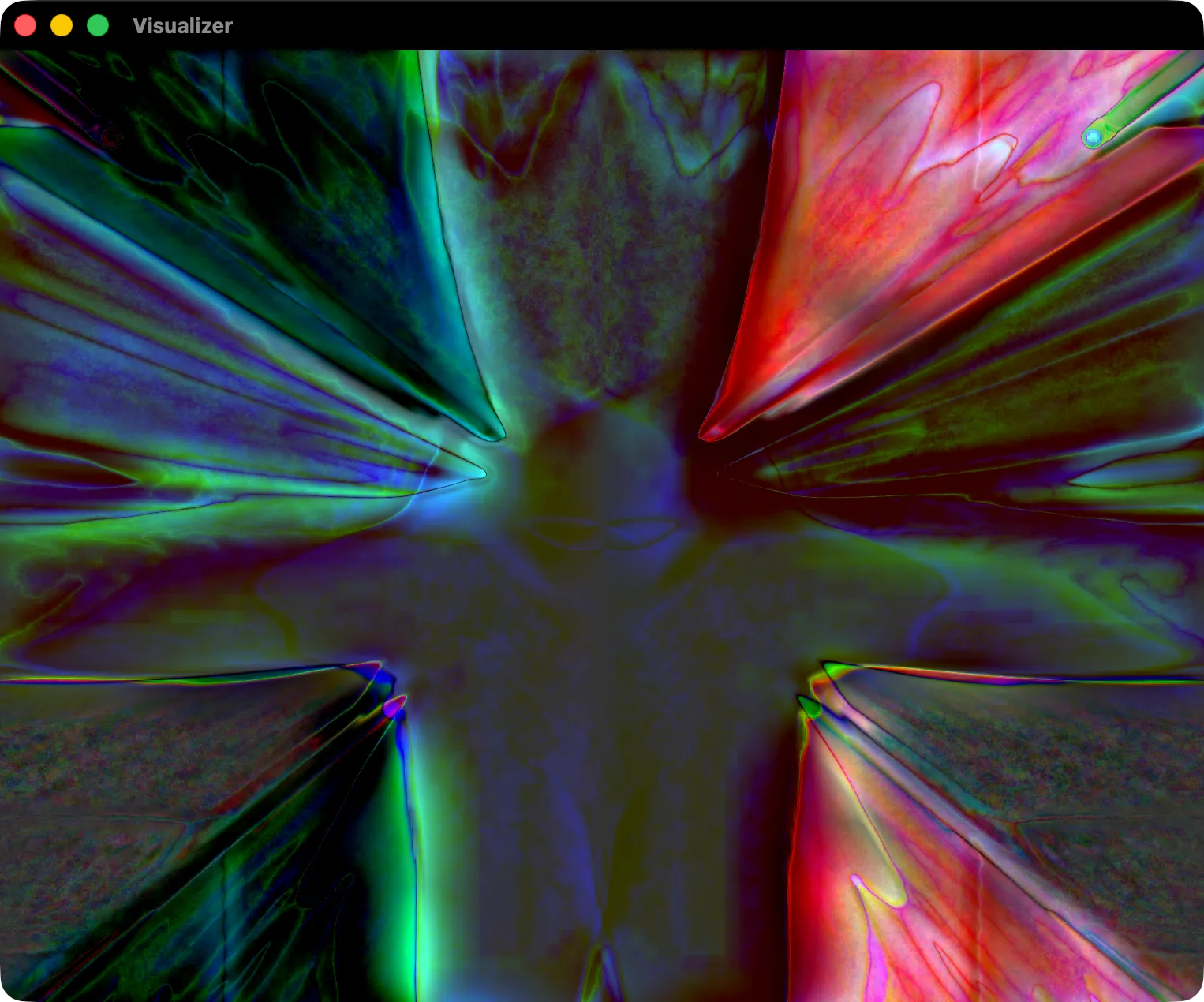
Press ⇧⌘V and the MilkDrop visualizer opens in its own window, driven by Butterchurn and reacting live to whatever is playing. It cycles through the built-in presets, and you can right-click to load a folder of your own. The visualizer takes no memory until you open it.
Konpo doesn’t do skins. It has its own quiet, dense look with an accent colour you choose, so if skins are the point for you, pair it with Webamp, or use Audacious.
Which one to pick
- You miss the skins: Webamp and the Winamp Skin Museum.
- You want an installed player that looks like Winamp: Audacious.
- You want MilkDrop on a big screen or in a live set: projectM.
- You want a fast everyday player for your folders, with MilkDrop a keystroke away: Konpo.
For the story of how Winamp and MilkDrop came to be, read why Konpo brings back the MilkDrop visualizer.