Music visualizers for the Mac: MilkDrop and beyond
The good music visualizers on the Mac today — MilkDrop through Konpo, Webamp and projectM, and VJ tools for live shows — and which one fits how you listen.
Music visualizers used to come with every player. Winamp had MilkDrop, Windows Media Player had its Ambience and Battery presets, and iTunes had its own lights. Then music moved to streaming apps, and the visualizer quietly disappeared from most of them.
It never went away for the people who loved it, though. If you are looking for a music visualizer for your Mac, here are the options worth knowing in 2026, sorted by how you listen.
Most of them are MilkDrop
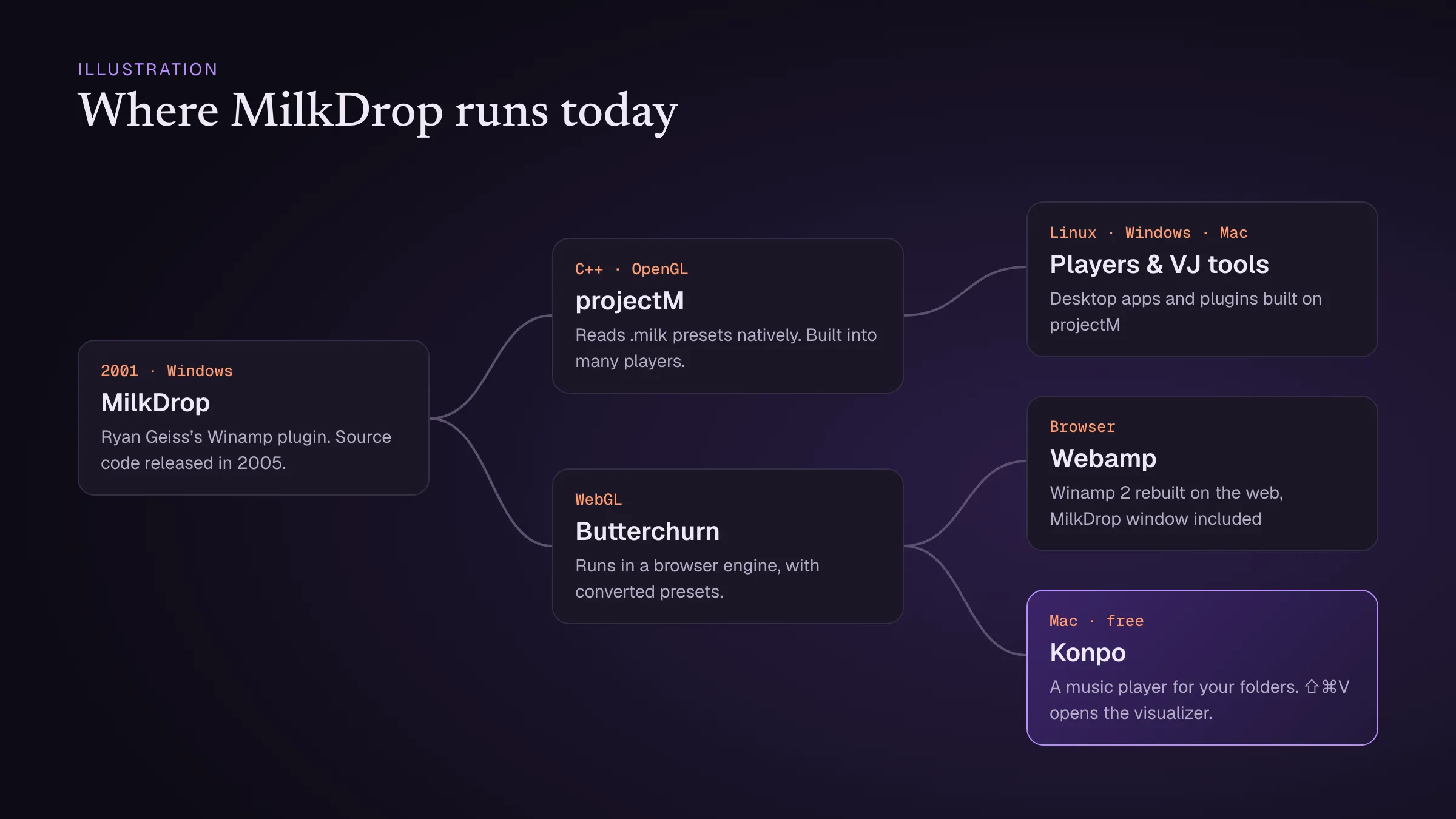
Almost every free visualizer you’ll come across goes back to MilkDrop, which Ryan Geiss released for Winamp in 2001. Its source code was opened in 2005, and two rebuilds have kept it alive since:
- projectM, a C++ rebuild that reads MilkDrop’s
.milkpresets directly and is built into many players and VJ tools. - Butterchurn, a WebGL rebuild that runs in a browser engine, using presets converted from the originals.
That’s why the same presets — and the same tunnels, smoke and liquid light — turn up in so many places. If you are curious how they work, see MilkDrop presets explained.
If you play your own music files: Konpo
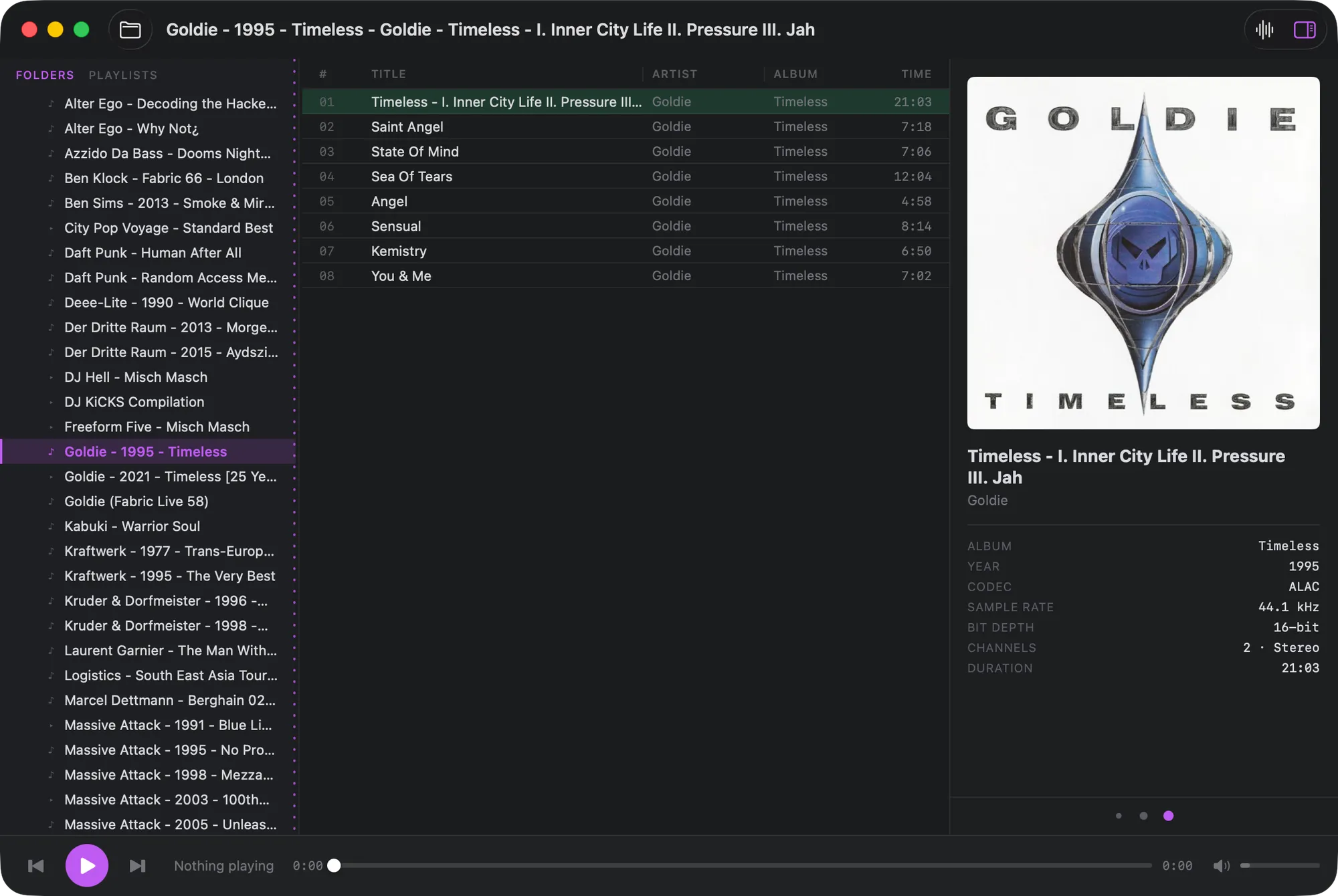
Konpo is a free Mac music player with Butterchurn built in. Press ⇧⌘V while something is playing, and the visualizer opens in its own window, reacting live to the music and cycling through its presets. Right-click the window to load a folder of your own presets. Make the window full screen on a second display or a TV, and you have the Winamp-era living room back.
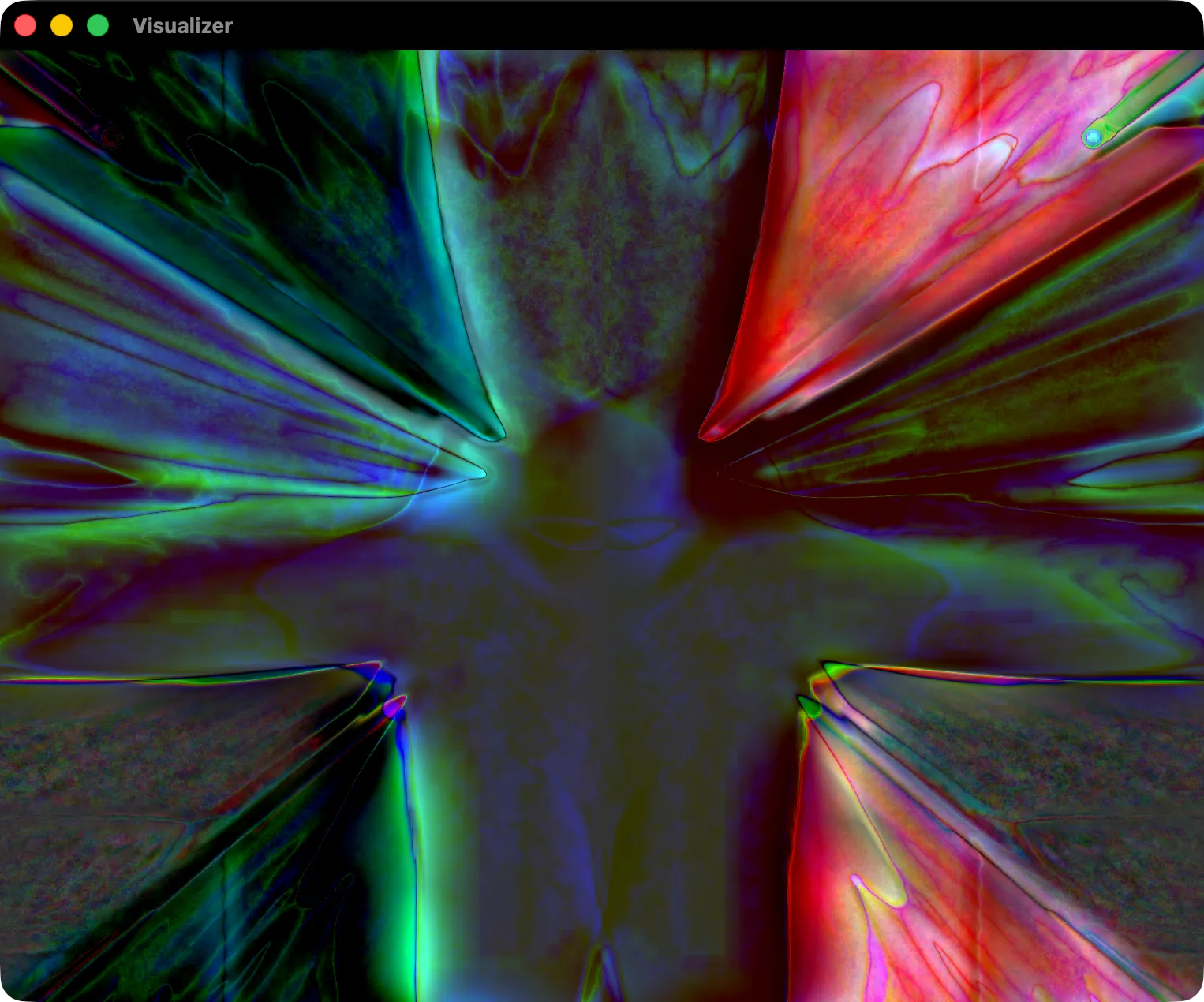 Konpo’s visualizer window, running a MilkDrop preset through Butterchurn.
The visualizer takes no memory until you open it. Konpo visualizes what Konpo plays, so it is for your own files — FLAC, MP3, AAC and the rest — rather than a streaming app.
If you want the full Winamp look: Webamp
Webamp rebuilds the Winamp 2 interface in a browser tab, and its MilkDrop window is Butterchurn too. Drag music files onto it and you get the player, the skins and the visualizer, exactly as they were. It’s the quickest way to show someone what MilkDrop was, with nothing to install.
If you want a standalone visualizer: projectM
projectM is the long-running open-source project for running MilkDrop presets outside a music player. It suits a dedicated screen or a party setup. Mac support has varied over the years, so check the project’s own site for the current Mac app before you plan around it.
If you’re doing visuals for a live show: VJ software
For live performance there is a different class of tools: VJ programs such as Synesthesia and Magic Music Visuals, which run on the Mac, take audio from any input, and let you build and mix scenes in real time. They are paid tools with a learning curve, and far more than you need for the living room — but if you are projecting behind a band or a DJ, they are the right category.
What about Spotify and Apple Music?
Streaming apps don’t give other apps access to their audio, which is why most visualizers can’t simply attach to them. The workarounds involve routing system audio through a virtual audio device into a visualizer that listens to an input, which is what the VJ tools above are built to do. For a simple setup, a player that visualizes its own playback, like Konpo, is the least fiddly option.
Which one to pick
- Your own files, in the living room: Konpo.
- The nostalgia trip, in a browser: Webamp.
- A dedicated visualizer screen: projectM.
- Visuals for a live show: VJ software.
And if you want the history behind all of it, read why Konpo brings back the MilkDrop visualizer.