
BlickPix Manual
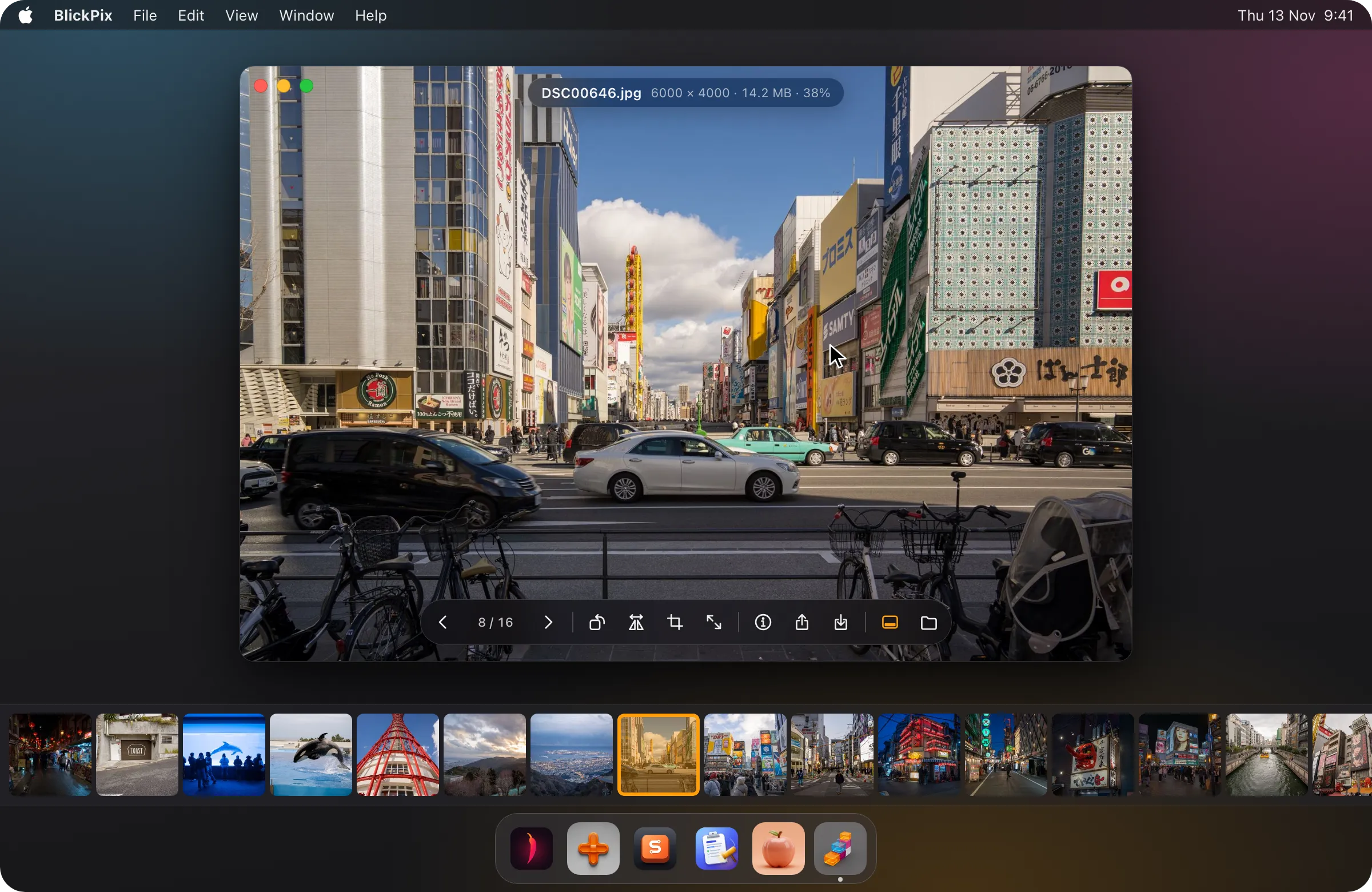
BlickPix is a fast, minimal image viewer for the Mac. Open one image and its whole folder becomes a set you can browse: no import, no library, no setup. The window takes the shape of the image, the controls appear only while the pointer is over it, and every image in the folder sits in a strip of thumbnails along the bottom of the screen.
- Open an image from Finder, with ⌘O, or by dragging it onto the window.
- Browse with ← and →, or click a thumbnail in the strip.
- Zoom with ↑ and ↓, and press Space to switch between fit and actual size.
BlickPix needs macOS 14 Sonoma or later and runs on Apple silicon and Intel Macs.
Getting started
Section titled “Getting started”- Install BlickPix from the Mac App Store, or download it from Payhip after buying it and drag it to Applications.
- The Payhip version asks for your licence key the first time it opens: paste it from your receipt and click Activate. See Licence.
- Open an image. BlickPix reads the folder around it, and the strip fills with thumbnails.
- Point at the image to see its name, size and zoom at the top and the toolbar at the bottom. Move the pointer away and they fade.
Help → BlickPix Manual (⌘?) opens this manual.
Formats
Section titled “Formats”BlickPix opens JPEG, PNG, HEIC/HEIF, TIFF, AVIF, JPEG XL, WebP and GIF. Animated GIFs play. It exports JPEG, PNG and HEIC, and AVIF when macOS can write it. RAW files, PSD, SVG and PDF aren’t supported.
In this manual
Section titled “In this manual”- Opening and browsing: opening images, folder access, sorting and subfolders.
- The thumbnail strip: jumping, selecting and hiding it.
- Compare mode: several images side by side.
- Zoom and full screen: how the window and the image zoom.
- The toolbar: its buttons and the four layouts.
- Photo info: the info panel and the file details.
- Rotate, crop and resize: quick edits, undo and Save Rotation.
- Export, rename and trash: saving copies and managing files.
- Keyboard and mouse: every shortcut and the context menu.
- Settings: background, export format and folder permissions.
- Licence: Payhip key or Mac App Store.