
Compare mode
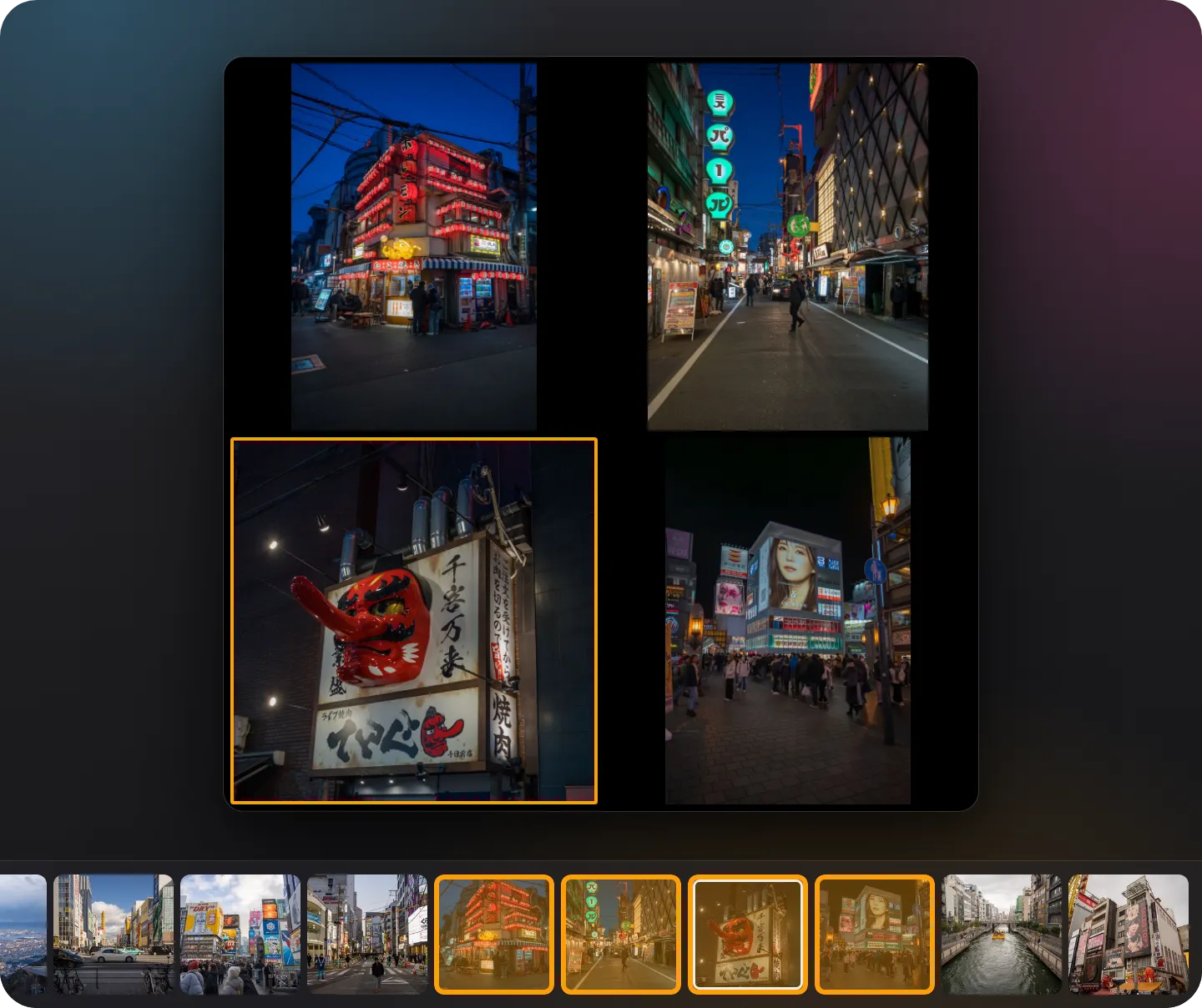
Select two or more thumbnails in the strip (⌘-click, ⇧-click or ⌘A) and the image is replaced by all of them at once:
| Selected | Layout |
|---|---|
| 2 | Side by side |
| 3–4 | A 2 × 2 grid |
| 5 or more | A scrolling grid |
Moving around
Section titled “Moving around”- ← and → move the focus, an amber outline, from tile to tile.
- ↑, ↓ or Escape close compare mode and show the focused image on its own.
- Click a tile to show that image on its own.
- T hides or shows the strip; ⌘A selects every image.
Right-click in compare mode for Clear Selection (back to the focused image), Select All and Sort By.
Zoom, the info panel, the toolbar, crop and resize aren’t available while comparing. The grid is always on black, whatever background you’ve chosen.