
Photo info
The info panel
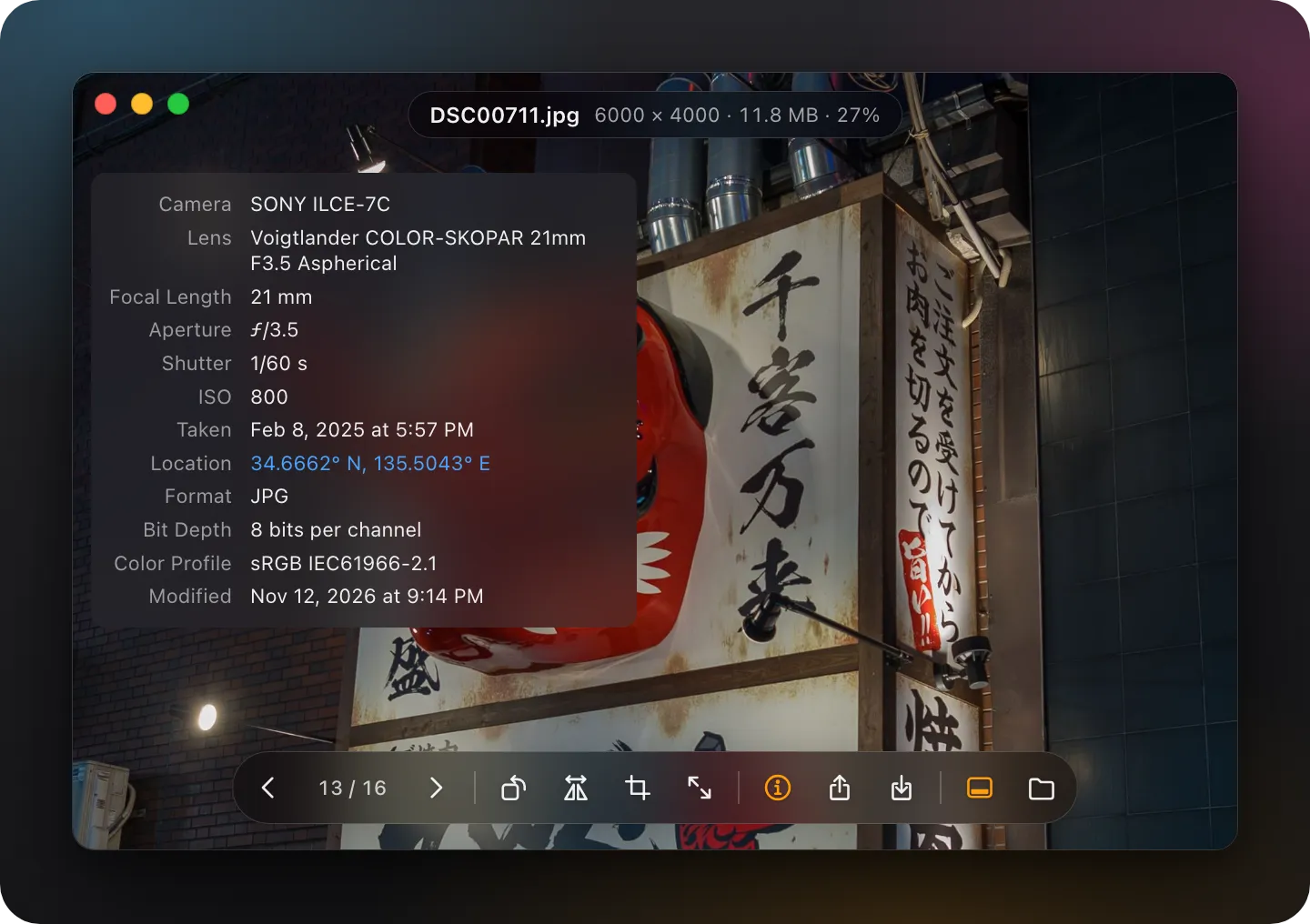
Section titled “The info panel”Press I (or right-click → Show Info) for the image’s details, in a panel at the top left:
- Camera and Lens
- Focal Length, with the 35 mm equivalent when it differs
- Aperture, Shutter and ISO
- Taken: the date and time the photo was taken
- Location, if the photo has GPS data. Click it to open the spot in Maps.
- Format, Bit Depth, Color Profile and the Modified date
Rows the image has no data for are left out. The panel stays open while you browse, so you can step through a shoot and compare settings. Press I again to hide it; BlickPix remembers whether it was open.
File details
Section titled “File details”While the pointer is over the image, a pill at the top shows the file name, the image’s size in pixels (after any crop or resize), the file size and the zoom: “DSC00646.jpg 6,000 × 4,000 · 14.2 MB · 38%”. In a narrow window it shows the name only. Where the details sit depends on the toolbar layout: in Corners they move to the bottom left and the pill shows the place in the folder (“8 / 16”); in Scrim they run along the bottom edge.
Double-click the name to rename the image.
Short messages appear above the toolbar to confirm what you did: “Copied”, “Renamed to …”, “Saved as …”, “Moved … to Trash”, “Orientation saved”.