
Cleaning
Settings → Cleaning lists every step Pastesmith runs on a copy. All are on to begin with; turn off any you don’t want.
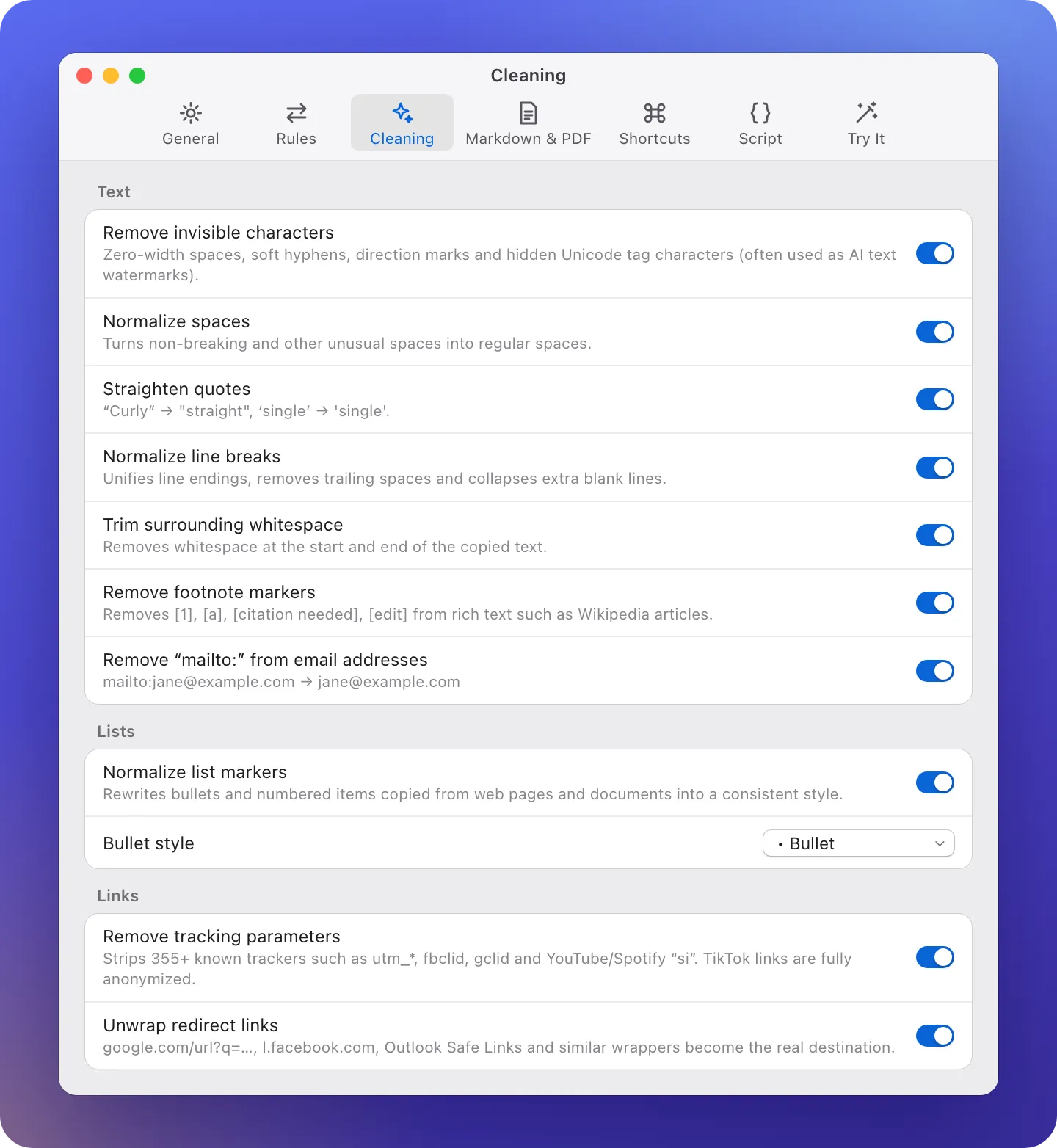
| Option | What it does |
|---|---|
| Remove invisible characters | Zero-width spaces, soft hyphens, direction marks and hidden Unicode tag characters, the kind used as AI text watermarks. Emoji built from several characters stay intact. |
| Normalize spaces | Non-breaking and other unusual spaces become ordinary spaces. |
| Straighten quotes | “Curly” quotes become “straight”, ‘single’ ones ‘single’. |
| Normalize line breaks | Unifies line endings, removes spaces at the end of lines and collapses runs of blank lines. |
| Trim surrounding whitespace | Removes spaces and blank lines at the start and end. |
| Remove footnote markers | Removes [1], [a], [citation needed] and [edit] from rich text, such as Wikipedia articles. Plain text is left as it is. |
| Remove “mailto:” from email addresses | mailto:jane@example.com becomes jane@example.com. |
Normalize list markers rewrites bullets (•, ◦, ▪…) and numbered items from web pages and documents into one style, and Bullet style picks it: • Bullet, - Dash or * Asterisk. In Markdown, the Markdown bullet from Formats is used instead.
- Remove tracking parameters removes more than 350 known trackers from links:
utm_*,fbclid,gclid, YouTube and Spotifysi, X’ssandt, Amazon’srefand many more. TikTok links are fully anonymised. - Unwrap redirect links replaces wrappers such as
google.com/url?q=…,l.facebook.comand Outlook Safe Links with the real address.
Both work on links in the text, on links inside formatted text, and on a copied link on its own.
Before: https://www.youtube.com/watch?v=xR7mT2kq9Lw&si=AbC123xyz&utm_source=newsletterAfter: https://www.youtube.com/watch?v=xR7mT2kq9LwYour own step
Section titled “Your own step”After these steps, a custom script can change the text further.